- Understanding the Role of BIM in Preconstruction
- Why Planning and Designing Make All the Difference
- How BIM Is Used During the Planning Stage
- How BIM Enhances the Design Stage
- A Practical Workflow: BIM in Preconstruction
- Real-World Impact: What Happens Without BIM
- Where BIM Adds the Most Value
- When Do You Need BIM in Your Preconstruction Project?
- Typical Errors by Contractors Using BIM
- How Optimar Precon Supports BIM in Preconstruction
- Importance of BIM During the Preconstruction Stage
- FAQs
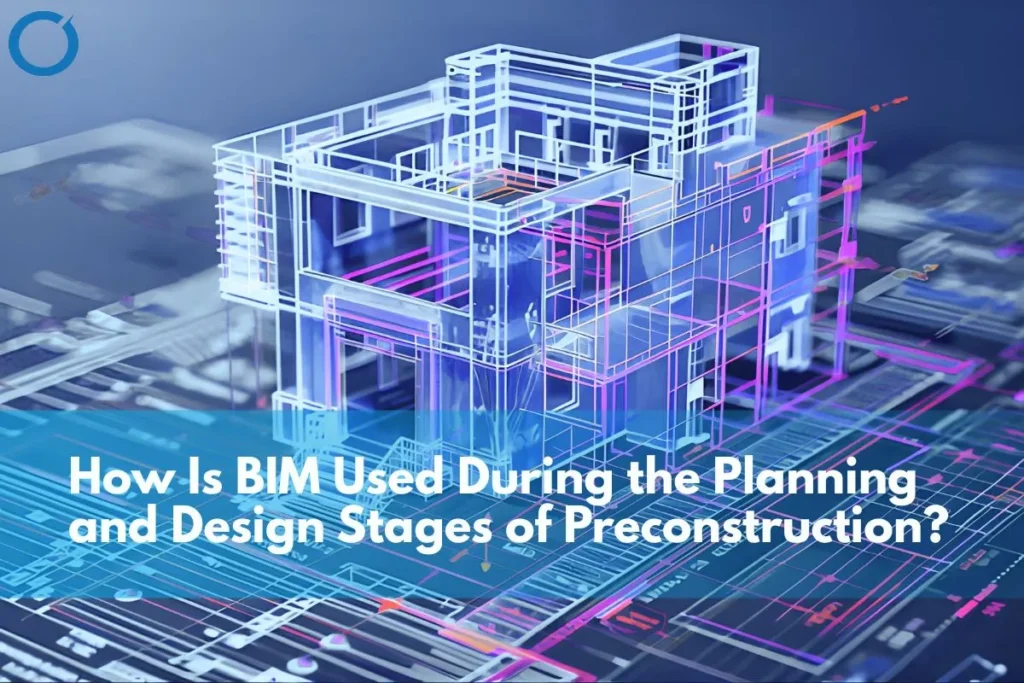
BIM is applied in the planning and design phases of preconstruction for the purpose of promoting coordination, avoiding design conflicts, improving visualization, and facilitating data-based decision-making before the onset of actual construction.
In today’s construction projects, it is clear that their success depends on what happens before construction begins. Planning and design phases are not just about drawing and assumptions anymore, but rather about accuracy, coordination, and clarity, among other aspects. That is where BIM comes into play.
With ever-growing complexity in construction projects, including more dense MEP systems and less available time for construction, traditional methods such as working with 2D drawings can no longer cope with this problem.
Understanding the Role of BIM in Preconstruction
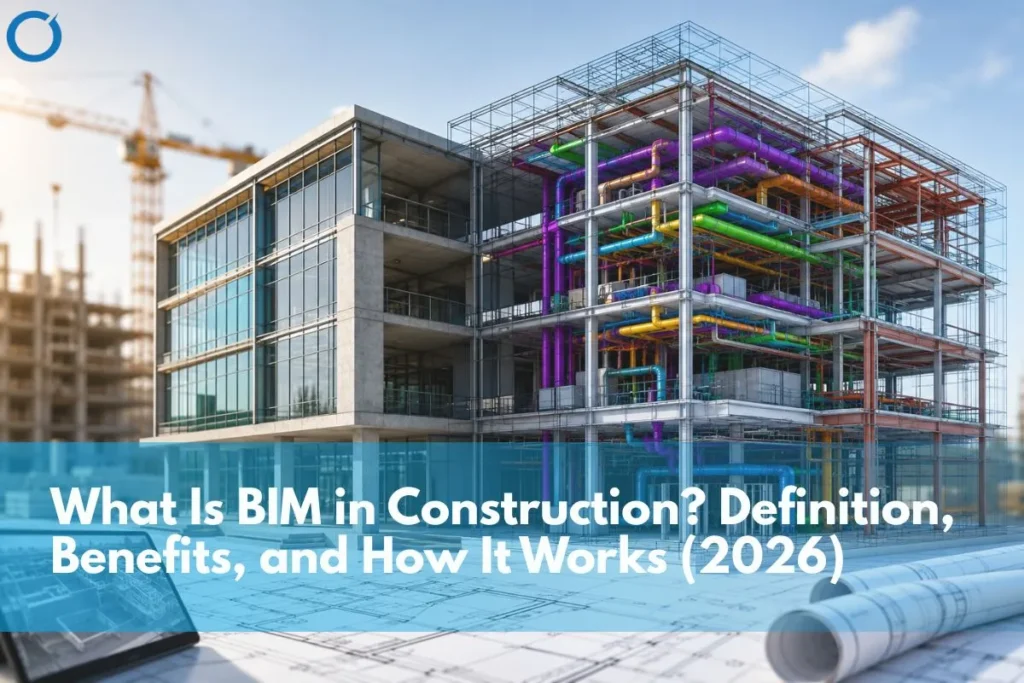
BIM is more than a 3D visualization. It involves the integration of architecture, structure, and MEP systems within a coherent digital space that changes throughout the life cycle of a project.
In the preconstruction phase, BIM helps stakeholders:
- Visualize the entire project before construction
- Coordinate between multiple disciplines
- Identify potential design conflicts early
- Bridge design, costs, and constructibility
In today’s world, modern BIM practices have become highly synchronized with international standards like ISO 19650. The standard emphasizes the need for managing structured information and collaborating during the project lifecycle.
With the help of BIM services, construction firms benefit from better decision-making. For a complete overview, see what is BIM in construction.
Why Planning and Designing Make All the Difference
The majority of problems that arise during the construction process occur in the initial stages of a project. Incoordination, inaccurate drawings, and poor clarity may result in delays and additional costs during implementation.
The absence of BIM means the following:
- Mismatching of architecture and MEPs
- Late-stage design changes
- Inaccurate quantity estimation
- Limited visibility into spatial conflicts
With BIM, all these problems will be addressed since everything is coordinated in one place beforehand.
How BIM Is Used During the Planning Stage
The planning phase forms the basis of all construction projects. BIM improves the planning phase through increased accuracy and feasibility studies, especially when supported by structured BIM modeling services.
1. Site Evaluation and Feasibility Studies
BIM allows teams to evaluate site conditions and constraints in detail.
Contractors can:
- Examine site plans
- Understand spatial limitations early
- Plan construction sequencing more effectively
This ensures that there is no uncertainty when planning.
2. Concept Design and Visualization
Another key strength of BIM lies in its capability to create realistic 3D models.
This enables:
- Better visualization of the project
- Increased efficiency in securing approvals from stakeholders
- Better coordination among the various parties involved
BIM provides greater clarity compared to conventional drawings.
3. Early Cost Planning and Quantity Analysis
BIM seamlessly connects with Construction Estimating Services, thereby enabling quantification directly from models.
This helps:
- Improve cost accuracy
- Early identification of budget threats through accurate quantity measurement from BIM models
- Alignment of design choices with financial considerations
Instead of operating on presumptions, construction firms operate on information-based intelligence.
How BIM Enhances the Design Stage
In the design stage, BIM becomes essential in terms of coordinating and making sure there is accuracy.
BIM models can be created at varying levels of development (LOD). The different BIM LODs define how detailed and accurate the model elements will become in each stage of LOD:
- LOD 100-200: Used in concept designs and feasibility studies
- LOD 300: Enables accurate coordination among architecture, structural, and mechanical/electrical/plumbing systems
- LOD 350: Includes detailed coordination elements like connections, supports, and system interfaces
- LOD 400–500: Facilitates fabrication details and as-built documentation
Clarifying LOD from the beginning guarantees better understanding and less miscommunication between teams.
1. Interdisciplinary Coordination
Building Information Modeling combines architecture, structure, and mechanical, electrical, and plumbing systems within one model.
This allows:
- Effective interdisciplinary coordination
- Reduction in design conflicts
- Consistency across all systems
This becomes especially important for projects involving complicated service arrangements.
2. Clash Detection and Resolution
Clash detection is one of the most valuable applications of BIM, especially when supported by dedicated clash detection services that focus on identifying and resolving coordination issues early.
Using tools such as Autodesk Navisworks, conflicts between systems are identified and resolved before construction begins.
A typical BIM tool stack includes:
- Autodesk Revit for MEP modeling
- Navisworks Manage for clash detection
- BIM 360 / Autodesk Construction Cloud for coordination purposes
- Dynamo for automation and optimization processes
This guarantees efficient and accurate coordination.
3. BIM for Design Optimization and Value Engineering
BIM can be used by teams to optimize their designs through coordinated MEP BIM workflows.
Examples include:
- Improving the routing of MEP systems
- Decreasing material consumption
- Increasing space usage
This enhances efficiency and effectiveness.
4. Detailed Drawings and Documentation
BIM models generate precise drawings that support execution.
These include:
- Shop drawings
- Installation details
- As-built documentation
These outputs align with CAD Drafting Services, ensuring accuracy and consistency.
A Practical Workflow: BIM in Preconstruction
Understanding the workflow helps explain how BIM is applied in real projects.
First: Input Collection
- Architectural drawings
- Structural models
- Project requirements
Second: Model Development
- Development of architecture, structure, and MEP models through Revit
- Compliance with LOD requirements (depending on phase – LOD 200 to LOD 400)
- Modeling based on parameters for coordination and quantities
Third: Coordination
- Clash detection using Navisworks
- Issue tracking and resolution
- Coordination between disciplines supported by efficient MEP coordination services
Fourth: Output Generation
- Coordinated BIM models
- Drawings and documentation
- Quantity takeoffs
This structured process ensures that the project is fully prepared before construction begins.
Real-World Impact: What Happens Without BIM
Projects that do not use BIM effectively often face:
- Design conflicts discovered during construction conflicts that clash detection in BIM would have caught in pre-construction
- Increased rework and delays
- Higher project costs
- Poor coordination between teams
In contrast, projects using BIM during planning and design experience:
- Better coordination
- Reduced risks
- Improved efficiency
Where BIM Adds the Most Value
BIM is most beneficial for highly complex projects where there is a lot of coordination required:
- Data centers with dense MEP systems where coordinated MEP BIM is essential
- Healthcare facilities requiring precision
- Multi-disciplinary commercial buildings
- Large infrastructure projects
Here, BIM plays a critical role in managing complexity, especially when supported by structured preconstruction services.
When Do You Need BIM in Your Preconstruction Project?
It is wise to introduce BIM early to take full advantage of its capabilities.
Contractors should consider BIM when:
- Projects involve multiple disciplines requiring coordination
- MEP systems are complex and space-sensitive
- Early cost planning is critical
- Project timelines are tight
- Rework needs to be avoided.
With these conditions present, it will prove advantageous to work with an experienced team providing BIM Services.
Typical Errors by Contractors Using BIM
Even with BIM technology, improper use may affect its efficiency. Many of these challenges are similar to those seen in common challenges in scan to BIM projects, where data accuracy and coordination gaps create downstream issues.
Some common errors are:
- Using BIM for visualization only without coordination
- Not defining LOD requirements clearly
- Lack of collaboration between teams
- Implementing BIM at a later stage in projects
Avoiding these issues ensures better outcomes.
How Optimar Precon Supports BIM in Preconstruction
Optimar Precon supports contractors by integrating BIM into planning and design workflows with a focus on coordination and execution readiness.
The approach includes:
- MEP BIM modeling and coordination
- Clash detection and resolution
- Integration with estimation and takeoff workflows
- Delivery aligned with global standards
Combining BIM Services, Construction Takeoff Services, and CAD drafting services helps to prepare the project properly before execution.
Importance of BIM During the Preconstruction Stage
BIM becomes very important during the preconstruction stage due to improved coordination, risk mitigation, and decision-making.
If BIM is applied with LOD standards, coordination, and ISO 19650 workflow, BIM turns into a decision-making process instead of a mere modeling process.
For a complete guide to how construction takeoff and estimation work alongside BIM, see construction takeoff and estimation explained
FAQs
Ans: BIM software enables the creation of coherent 3D models involving architecture, structures, and MEP systems, enabling designers to detect clashes, refine their designs, and take informed decisions before the start of construction.
Ans: The major advantages of BIM software in preconstruction include better coordination, conflict avoidance, better visualization, accurate cost estimation, and reduced need for rework.
Ans: LOD stands for Level of Development, which defines the precision and accuracy of the BIM model components. LOD ensures accuracy in coordination, estimation, and construction plans at every level.
Ans: BIM tools such as Autodesk Revit (modeling), Navisworks (clash detection), BIM 360 (collaboration), and Dynamo (automation/optimization) can be used in planning and design.
Answer: BIM employs coordination tools such as Navisworks to detect clashes that may occur in various systems like HVAC, electrical, and plumbing, even before the project is constructed.
Answer: BIM enables the extraction of quantities directly from the models, making construction estimating more accurate.
Answer: BIM can be applied during the preconstruction stage when planning takes place.
Ans: Yes, BIM is compatible with ISO 19650 since it manages information in a systematic way.
Ans: No, BIM does not substitute CAD drafting; however, CAD drafting and BIM work together.