- What Is CAD? A Clear Definition
- The 7 Types Of CAD Used In Construction
- CAD vs Manual Drafting – Why The Difference Matters
- 7 Key Advantages Of CAD For Construction Projects
- CAD vs BIM – What Is The Difference?
- Outsourcing CAD Drafting – How It Works and When It Makes Sense
- Need CAD Drafting For Your Next Project?
- FAQs
In short, CAD (Computer-Aided Design) refers to creating accurate technical designs/drawings/models in the construction, architecture, and engineering sectors using computer programs. Computer technology now creates precise two-dimensional and three-dimensional drawings, replacing manual drafting in modern design and construction workflows. CAD has the potential to reduce the cost involved in designing drawings and producing more accurate drawings faster than any traditional method. The CAD industry is projected to grow from $12.0 billion in 2024 to $22.5 billion by 2034. Growing adoption across construction, architecture, and engineering sectors is driving this market expansion.
Today, CAD has become the accepted practice when creating drawings within all disciplines that include architecture, structures, MEP, shop drawings, and as-built drawings. For any builder, contractor, or engineer to work on an industrial, commercial, or residential project in the year 2026, it is essential to know what CAD is, the various types utilized in construction, and how they benefit the project.
This guide will deal with the definition of CAD, the seven kinds employed in construction, comparison between CAD and conventional drawing methods, seven benefits of CAD explained with proofs, the link between BIM and CAD and the working process of outsourcing CAD services.
What Is CAD? A Clear Definition
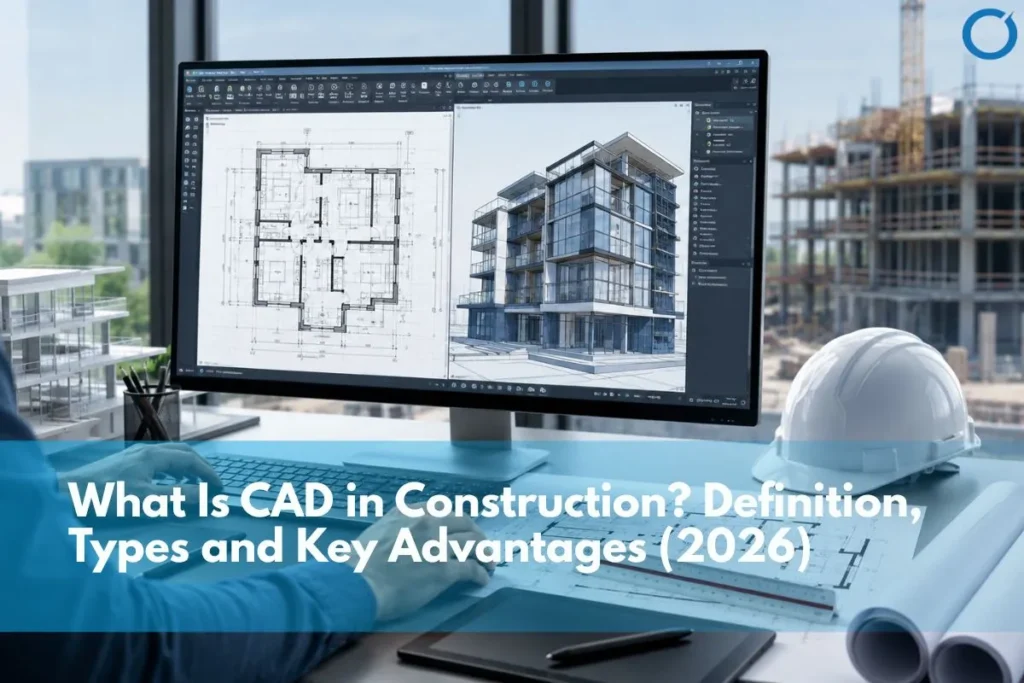
CAD means Computer-Aided Design. It refers to creating, modifying, analyzing, and optimizing technical drawings and models using the computer. In the building industry, CAD technology helps in developing accurate technical drawings, floor plans, sections, elevations, structural drawings, mechanical drawings, electrical drawings, and plumbing drawings, among others, that builders utilize to erect structures. Professional CAD Services help construction teams create accurate digital drawings that support design reviews, approvals, tendering, and site execution.
The major difference between CAD drawings and regular drafting drawings is accuracy. A CAD drawing is made using computer technology, which means that it can be measured precisely, easily modified, and sent out electronically without any physical restrictions. Every line of the CAD drawing is drawn to its exact measurements; there is no approximation involved, nor is there any risk of scaling errors or hand movements.
From the 1980s onwards, the introduction of CAD (Computer-Aided Design) took place in place of manual drawing in construction projects. By 2026, manual drawing would be eliminated from the commercial construction business. The CAD is universally accepted for design and detailing purposes. This process is enhanced by BIM (Building Information Modelling).
Scale of the market: The global market size of the CAD software was estimated at $12.0 billion in 2024 and expected to reach $22.5 billion by 2034. 55% of CAD software products possess cloud functionality, thus providing opportunities for team collaboration in distributed teams. The biggest part of CAD usage is represented by the building and architectural sector. (Fortune Business Insights, 2026)
The 7 Types Of CAD Used In Construction
CAD is not a single tool; it encompasses a range of specializations, each serving a different discipline and deliverable type. The table below maps the seven most commonly used CAD types in construction.
| CAD Type | What It Produces | Primary Users | Common Software |
|---|---|---|---|
| 2D CAD | Floor plans, elevations, sections, construction details, site plans | Architects, structural engineers, MEP engineers, contractors | AutoCAD, DraftSight, LibreCAD |
| 3D CAD | Three-dimensional models for visualization, design development, and coordination | Architects, designers, BIM modelers | AutoCAD 3D, SketchUp, Rhino |
| Architectural CAD | Architectural drawings, plans, sections, elevations, details | Architects, architectural technologists | AutoCAD, Revit, ArchiCAD |
| Structural CAD | Structural layout drawings, connection details, rebar drawings | Structural engineers, detailers | AutoCAD, Tekla, StruCad |
| MEP CAD | Mechanical, electrical, and plumbing layout drawings and schematics | MEP engineers, services contractors | AutoCAD MEP, Revit MEP, MicroStation |
| Shop Drawings | Fabrication drawings for structural steel, joinery, glazing, and precast | Specialist subcontractors and fabricators | AutoCAD, Tekla, SDS/2 |
| As-Built Drawings | Record drawings reflecting what was actually constructed | Contractors, facility managers | AutoCAD, Revit |
For building layouts, planning drawings, elevations, and design documentation, Architectural CAD Drawing Services help architects and contractors turn design intent into clear technical drawings.
2D CAD – The Foundation Of Construction Documentation
2D CAD is the most widely used form of CAD in construction. It produces flat technical drawings, floor plans, elevations, sections, details, and site plans in two dimensions. These drawings are the primary basis for planning approvals, building regulations submissions, contractor tendering, and site construction.
Accurate 2D CAD Drawing Services help project teams prepare floor plans, elevations, sections, and construction details that support approvals, tendering, and site execution.
3D CAD and The Move To BIM
3D CAD modeling creates three-dimensional models that enable the designer and client to have a visualization of the project even before the actual construction process starts. By 2026, the use of 3D modeling within the construction industry will have shifted from just using pure CAD software to utilizing building information modeling software like Revit and ArchiCAD. Nevertheless, 3D CAD software such as SketchUp and Rhino continue to be prevalent.
CAD vs Manual Drafting – Why The Difference Matters
Understanding the gap between CAD and manual drafting matters both historically and practically. CAD solves problems that still appear when teams use it poorly or treat documentation as a secondary task instead of a primary deliverable.
| Criterion | Manual drafting | CAD |
|---|---|---|
| Accuracy | Subject to human error in scaling, measurement, and transcription | Precise to fractions of a millimetre measurement is exact |
| Speed | Slow every line drawn manually; revisions require redrawing | Fast design tools automate repetitive tasks; revisions update instantly |
| Revisions | Major revisions require redrawing significant portions of the set | Changes propagate through referenced drawings automatically |
| Reproducibility | Each print is a physical copy; originals can be lost or damaged | Digital files can be backed up, versioned, and reproduced infinitely |
| Collaboration | Physical drawings passed between parties slow and error-prone | Digital files shared instantly via email, cloud, or collaboration platform |
| Scale | Scale errors common when reading and translating between drawing scales | Scale is embedded in the digital drawing, no interpretation required |
| Coordination | Manual overlay of discipline drawings clashes easily missed | Digital overlay and BIM federation enable systematic clash checking |
| Storage | Large physical drawing storage requirements | Digital files stored in project management platforms, no physical space needed |
For developers and contractors, the study makes one point clear: CAD documentation accuracy determines everything that follows. Poor CAD documents, such as those with incorrect measurements or those without coordination, cause the same problems as poor drawings. Accurate Structural CAD Drawing Services are especially important for structural layouts, connection details, and reinforcement drawings, where even small documentation errors can affect coordination and site execution.
7 Key Advantages Of CAD For Construction Projects
1. Precision and Accuracy
CAD produces drawings to exact dimensions. All lines, arcs, and even annotations have geometrical accuracy, correct down to a fraction of a millimetre. Accuracy is essential in construction because dimensional errors in plans are reflected one-to-one in construction errors. Professional CAD Conversion Services help teams convert sketches, PDFs, or legacy drawings into accurate digital CAD files that support clearer documentation and fewer site errors.
The accuracy of CAD ensures that errors do not occur by offering the possibility of precise measurement, verification, and alignment. In this way, engineers and architects can identify and solve any possible errors during the design stage. (GSource Data, 2024). On a commercial project where a single-dimensional error in a structural connection detail can trigger rework costing thousands of pounds, this accuracy is not a marginal benefit; it is the foundation of cost-effective construction.
2. Faster Design and Revision Cycles
The use of CAD has made it possible for the design cycle to become extremely fast. CAD teams can sketch repetitive elements such as doors, windows, connections, and standard details once and reuse them across the design drawings. Any alteration in the standard details makes changes automatically in the entire project design.
CAD technology allows civil engineers and architects to develop designs faster than ever before. The efficiency gained results from faster revisions and greater precision. (GSource Data, 2024). For a contractor working to a tight tender deadline or a design team responding to a late client change, this speed advantage is directly commercial.
3. Easy Revision and Change Management
Design modifications are common on construction projects. In manual drafting processes, the occurrence of a considerable modification may necessitate the recopying of a big portion of the whole set of designs.
In a CAD environment, teams update the digital file, and those changes flow through the referenced drawings. A grid line shift updates every floor plan, section, and detail that references it. This revision efficiency reduces the cost of design changes and the risk of inconsistent documentation reaching the site. Accurate As-Built Drawing Services help project teams record final design changes clearly, so contractors and facility managers have reliable documentation after construction.
4. Improved Collaboration and File Sharing
Project teams can share digital CAD files instantly with stakeholders anywhere in the world. A London architect can also send a new version of his drawings set to a builder in Dubai and another specialized contractor in Mumbai within a few minutes. Cloud-based collaboration tools such as Autodesk BIM 360, ACC, and Procore improve this process by allowing multiple project stakeholders to access, review, and update the same drawing set.
Currently, 55% of the computer-aided design programs come with cloud features that allow for collaboration regardless of the geographic distance between team members. (Fortune Business Insights, 2026). Collaboration is just one of the key reasons why offshore CAD services are booming in popularity due to their ability to produce CAD drafting at a much cheaper rate.
5. Better Design Visualization
3D CAD and BIM models allow clients, planning authorities, and end users to visualise the completed building before construction begins. Professional 3D Rendering Services help turn CAD and BIM models into clear visual outputs that clients, planners, and project stakeholders can understand before construction starts. The advantage of this visualization is that it minimizes the chance of last-minute changes in design based on the inability of stakeholders to understand 2D drawings, which is one of the costliest changes in design.
In terms of planning approvals, there is an increasing demand for 3D visualization generated from CAD models from planning authorities. On the other hand, 3D visualizations generated from CAD models help bridge the communication gap between designers and clients.
6. Consistent, Reproducible Documentation
A CAD drawing file is an exact digital record of the design at the point of issue. It is perfectly reproducible without limits. There will be an audit trail that will show clearly who issued what documents and when. Such features are important for effective contract management, claim handling, and dispute resolution.
On the other hand, in the process of manual drafting, there could be losses, alterations, or degradation of original documents, and it will be hard to trace the provenance of a certain drawing at a specific revision.
7. Integration With BIM and Downstream Workflows
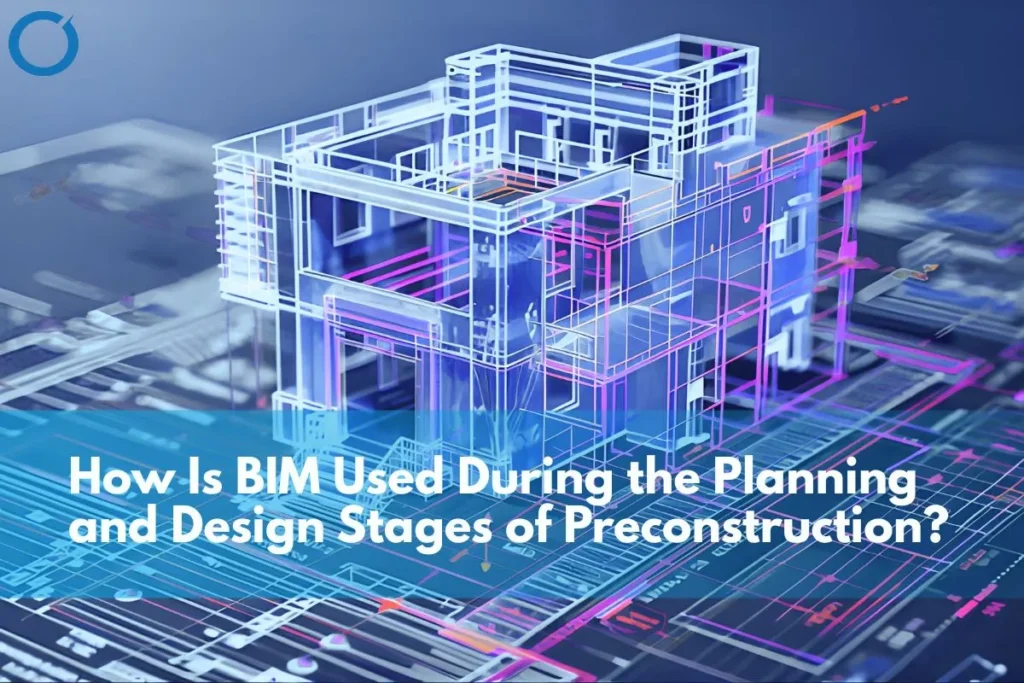
CAD is the gateway to BIM. It is possible to transform 2D drawings into 3D models using BIM and hence gain the ability to do all the other functions of BIM. For more complex commercial and industrial projects, teams use BIM models for coordination and CAD outputs for construction documentation. Model-derived quantities extracted from CAD and BIM models are more accurate than manual takeoffs and update automatically when the model changes.
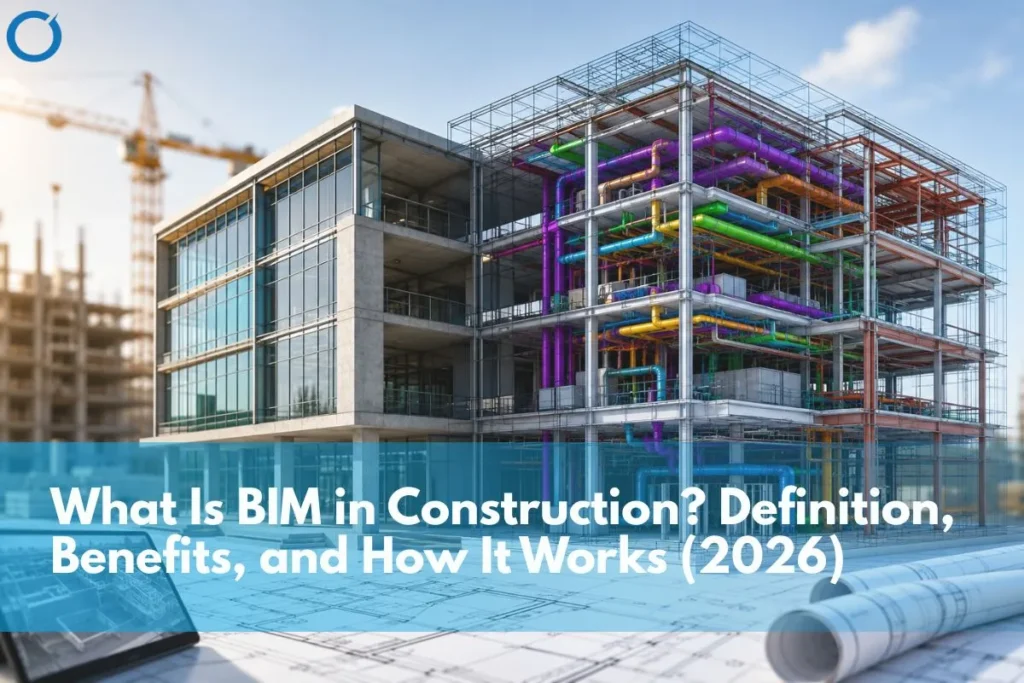
For a full explanation of how CAD relates to BIM and where the two overlap, see our guide: What is BIM in construction? And for a detailed comparison, see: BIM modeling vs traditional documentation.
CAD vs BIM – What Is The Difference?
The most common question regarding CAD in 2026 is what the difference is between CAD and BIM. This difference is significant but often overlooked.
CAD produces drawings of 2D or 3D geometry representing building elements. BIM produces intelligent, data-rich representations of building elements that contain information about what each element is, how it performs, what it costs, and how it relates to other elements. A wall in CAD is a pair of lines with dimensions. The same wall in BIM is a building element with fire rating, thermal value, material specification, and cost data.
BIM extends CAD rather than replacing it. Most BIM workflows begin with CAD geometry. CAD knowledge is mandatory for BIM modeling. Reliable BIM Modeling Services build on accurate CAD inputs to create coordinated, data-rich models for complex construction projects. Even when project teams use BIM modeling for coordination, CAD still remains useful for creating 2D construction documents, shop drawings, and as-built record drawings.
Rule of thumb: Use CAD for construction documentation and drafting work. Use BIM for coordinating multiple disciplines, clash detection, sequencing, and lifecycle management. For more complex commercial and industrial projects, teams use BIM models for coordination and CAD outputs for construction documentation.
Outsourcing CAD Drafting – How It Works and When It Makes Sense
In-house development of CAD drafting capabilities will require employing capable CAD draftsmen, acquiring licenses for CAD software, and controlling workload fluctuations. For many contractors, developers, and architectural practices, this overhead is not commercially justified.
Offshore CAD drafting services provide access to specialist CAD expertise, 2D plans, structural details, MEP schematics, shop drawings, and as-built drawings at a lower cost than building the same capacity in-house. The quality of CAD drafting depends on the skill of the technician and the rigour of the process, not the physical location.
- Variable project pipeline, high demand on some projects, no demand on others
- Tight tender deadlines requiring fast turnaround on drawing sets
- Need for specialist CAD types (shop drawings, structural details) not available in-house
- Cost pressure on a project where local drafting rates are not commercially viable
- International projects requiring CAD to local standards (UK, USA, UAE)
At Optimar Precon, our CAD drafting services include 2D CAD drawing, architectural CAD, structural CAD, shop drawing services, and CAD to BIM conversion services for architects, engineers, and contractors across the UK, USA, and globally.
Need CAD Drafting For Your Next Project?
Here at Optimar Precon, we offer professional CAD drafting services such as 2D CAD drawings, Architectural CAD, Structural CAD, Shop Drawings, and BIM Conversion Services. Our offshore CAD experts deliver accurate drafting support at a significantly lower cost than local hiring in the UK, US, and other global markets. Contact Us to discuss your CAD drafting requirements for your next project.
FAQs
CAD means Computer-Aided Design. In the context of construction, CAD is the application of computer software to develop technical drawings and models such as floor plans, elevations, sections, structural details, MEP diagrams, and shop drawings. AutoCAD, developed by Autodesk, is the most popular CAD software in the construction sector.
CAD creates drawings showing either 2D or 3D geometry of building components. BIM (Building Information Model) creates intelligent models where every component has built-in information related to its attributes, cost, performance, and relationships with others. In CAD, a wall is merely a geometry with dimensions. But in BIM, a wall will contain information like fire resistance rating, thermal properties, materials used, and costing information. BIM builds on CAD rather than being a replacement for CAD. Every BIM project process begins with CAD geometry, and project teams still use CAD for 2D construction documentation.
The seven primary CAD categories that apply to construction include: 2D CAD (floor plans, elevations, sectioning, details); 3D CAD (three dimensional visualization and design development); architectural CAD (architectural drawings and planning); structural CAD (structural designs, connection detail drawings, reinforcement drawings); MEP CAD (mechanical, electrical, and plumbing plans); shop drawings (specialist subcontractor fabrication drawings); and as-built drawings (record drawings of the completed construction work).
CAD offers seven important benefits for the construction industry: precise dimensions without scaling issues, faster design and revision cycles, stronger change control, better collaboration across project teams, improved 3D visualization for clients and planners, reusable design documentation, and smoother integration with BIM, quantity takeoff, and clash detection workflows. These benefits help contractors, architects, and engineers produce clearer drawings, reduce errors, manage revisions faster, and support downstream preconstruction processes more effectively.
Autodesk launched AutoCAD, a Computer-Aided Design software application, in 1982. Today, construction and engineering professionals use it widely for creating 2D technical drawings such as floor plans, elevations, sections, structural drawings, MEP drawings, and site plans. AutoCAD also uses the DWG file format, which has become a common standard for construction drawings and allows project teams to share drawing files across different software platforms.
Yes, businesses can outsource CAD drafting effectively because it is a document-based process. Offshore CAD specialists can deliver accurate drawings at a lower cost than building the same capacity in-house, while helping firms reduce overheads and scale drafting capacity as project demand changes. The offshore CAD groups will provide all the same types of drawings, including architectural plans, structural details, MEP details, shop drawings and as-built drawings, just like the in-house CAD drafters do. The most important thing is to pick an experienced service provider.
CAD Drafting is the process of generating technical drawings from a design brief or concept through a design-to-drawing process. CAD Design, on the other hand, is the process of creating the design through the use of CAD techniques. However, the line between the two can become thin. When a CAD drafter converts an architectural sketch into technical drawings, they may also make several small design decisions during the drafting process. What separates the two is therefore in terms of defining the scope of a job when outsourcing.