
As-Built Drawing Services
Optimar Precon provides As-Built Drawing Services for general contractors, subcontractors, architects, engineers and facility owners who need clear records of completed construction. We update architectural, structural and MEP drawings using approved field markups, redline drawings, survey information and documented site changes.
Our team prepares AutoCAD as-built drawings, revised drawing sets and project closeout documentation that reflects the information verified by the responsible project team. These records support handover, facilities maintenance, future alterations and ongoing asset documentation.
Request As-Built Drawing Support
Share your existing drawings, redline markups, survey records, project scope and expected file formats. We can review your documentation requirements and discuss the next steps.
Our as-built documentation services cover drawing revisions, multidisciplinary record updates and closeout drawing production using supplied construction records and approved field information. The level of detail and verification requirements are agreed for each project.
Our As-Built Drawing Service Capabilities
Optimar Precon provides architectural, structural and MEP as-built drawing services for contractors, architects, engineers and construction teams preparing project closeout records. We incorporate supplied redlines, approved site changes, survey information and installation records into controlled CAD drawing packages. Our documentation reflects the field information supplied and confirmed by the responsible project team.
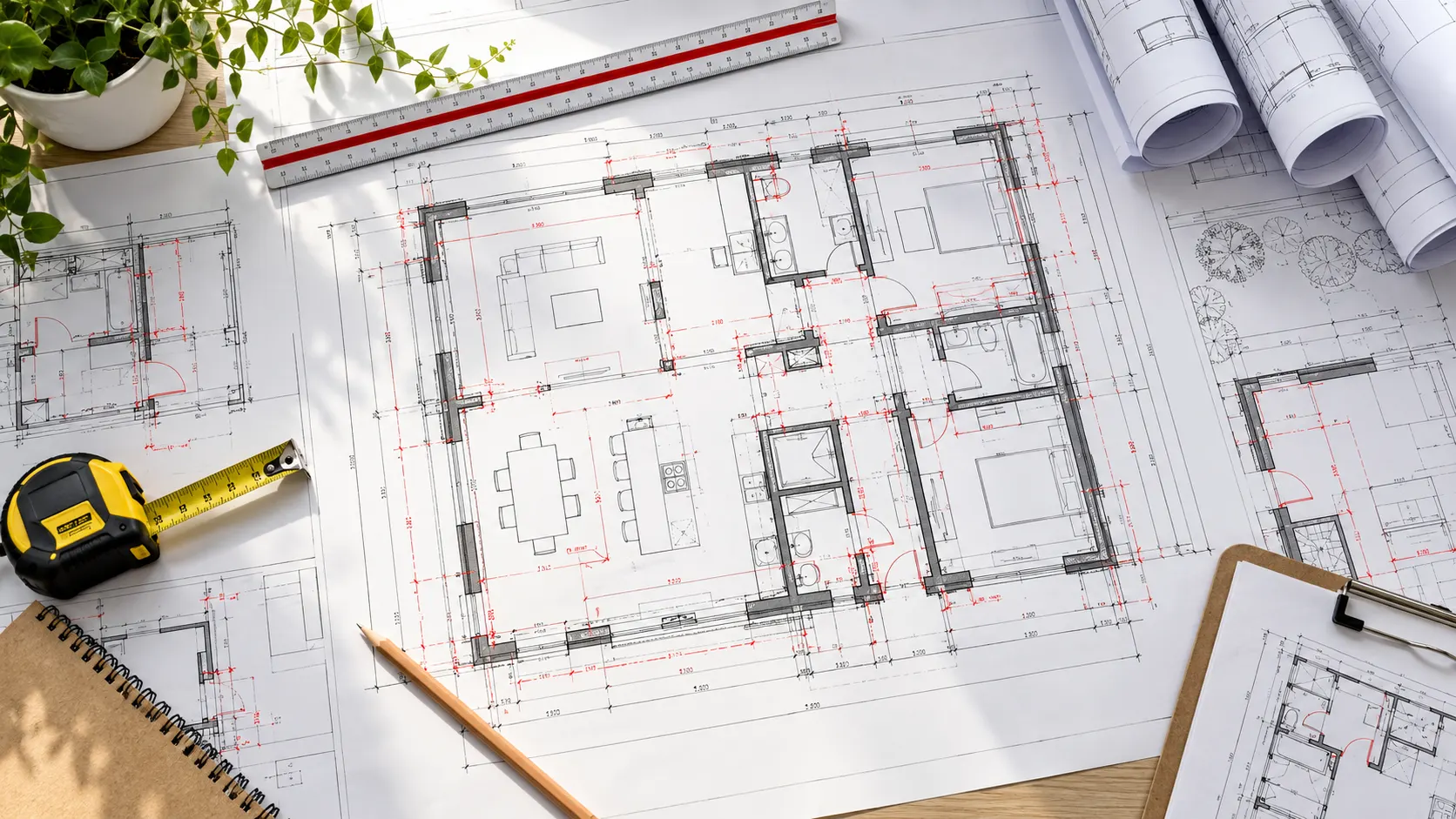
Turn Field Markups Into Clear As-Built Drawing Records
Construction drawings often change during installation. Site teams may adjust wall layouts, service routes, equipment locations, openings or structural details, and these changes need to be recorded in the project documentation.
We help convert approved field records and marked-up drawings into coordinated AutoCAD files and updated drawing sheets. The resulting records support handover, maintenance planning and future construction work, subject to the accuracy of the supplied information.
Architectural As-Built Drawings
Update architectural plans, elevations and details to document approved changes to partitions, doors, windows, openings and internal layouts using supplied field records.
Structural As-Built Drawings
Incorporate verified revisions to foundation layouts, framing arrangements, steel details and structural components using information approved by the responsible engineering team.
MEP As-Built Drawings
Record confirmed mechanical, electrical and plumbing installation changes, including service routes, equipment locations and accessible system details.
AutoCAD As-Built Documentation
Prepare editable DWG files, updated drawing sheets, annotations and CAD documentation that follow agreed project templates, layer conventions and drawing standards.
Redline and Field Markup Conversion
Transfer approved site markups, contractor notes and documented installation changes into controlled CAD drawing revisions while maintaining identifiable change records.
Site Survey Data Incorporation
Use client-supplied survey measurements, verified dimensions and field records to update relevant drawing information. Unverified conditions remain subject to clarification.
Equipment and Installation Records
Document approved equipment positions, access arrangements, service connections and installation modifications where those details form part of the agreed drawing scope.
Drawing Revision and Sheet Control
Maintain drawing numbers, revision identifiers, sheet references and documented change information so the project team can identify current record drawings.
Construction Closeout Drawing Sets
Organise approved record drawings, PDF exports, editable CAD files and drawing registers into the agreed handover package for the contractor or facility owner.
Align As-Built Drawings With Verified Construction Changes
Architectural, structural and building-services records may need coordinated updates after construction changes. We help organise supplied field information and incorporate authorised revisions into the relevant drawing sets.
What Is Included in an As-Built CAD Drawing Package?
The final package depends on the available field information, agreed drafting scope and project closeout requirements. Deliverable formats, document status and checking responsibilities are confirmed before production.
Five Requirements for Reliable As-Built Drawing Records
The usefulness of as-built documentation depends on traceable source information, clearly defined changes and consistent drawing management. The documentation standard should be agreed at the start of the assignment.
As-built CAD drafting represents the construction information supplied and authorised by the project team. Unless site survey or independent verification is expressly included, producing the drawing does not establish that Optimar Precon has measured every installed component or verified concealed works.
What Do We Need to Start As-Built Drawing Production?
Share the latest available drawings and records of confirmed construction changes. Clear source information helps identify the required updates, deliverable scope and any outstanding verification questions.
Optimar Precon prepares updated drawings from the information included in the agreed scope. Site measurement, concealed-service verification, engineering redesign, professional certification and statutory approval remain separate unless expressly agreed and appropriately authorised. Unconfirmed conditions should be referred to the responsible project team before final issue.
Need Architectural, Structural or MEP As-Built Drawings?
Share your existing drawings, field markups, survey records and expected deliverables for an initial scope review.
How Our As-Built Drawing and CAD Documentation Workflow Operates
Our as-built drawing workflow starts with existing design drawings, contractor redlines and available records of installed conditions. We organise the information, incorporate authorised changes, check the updated CAD files and prepare agreed drawing packages for construction closeout. Any information that cannot be confirmed from the supplied records is flagged for clarification rather than presented as a verified site condition.
What Information Is Reviewed Before As-Built Drawing Production?
As-built documentation depends on the quality and completeness of construction change records. We review the available drawings, field markups, measurement data and project standards to define the work required and identify outstanding questions.
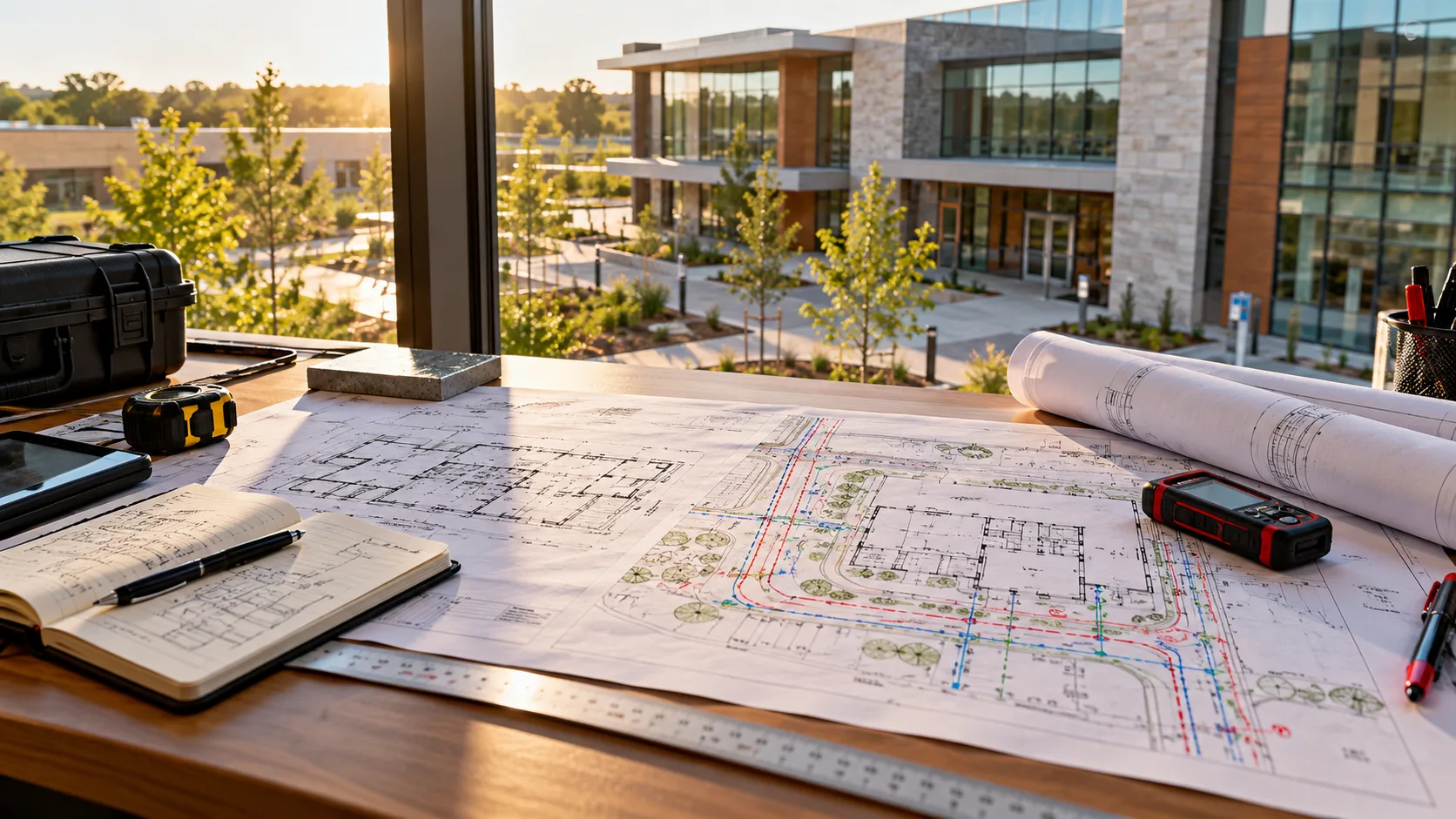
Six Stages From Field Records to As-Built Drawing Handover
The sequence below can be adapted to individual drawing revisions, trade-specific as-built packages or multidisciplinary closeout work. Verification requirements and deliverable formats are agreed before production starts.
Project Scope and Drawing Review
Review the drawing package, disciplines involved, required deliverables and project closeout standards. Confirm the source files, deadlines and drawing scope.
Field Markup and Data Assessment
Compare redline annotations, approved change records, survey references and available measurements. Identify incomplete or contradictory information for clarification.
As-Built CAD Drawing Updates
Incorporate confirmed construction changes into the relevant architectural, structural and MEP drawing sheets using approved CAD standards and source references.
Multidisciplinary Record Review
Coordinate shared documentation interfaces and incorporate approved comments from contractors, architects, engineers and relevant trade teams.
Quality Checks and Revisions
Check drawing annotations, layer organisation, sheet references, redline incorporation and revision status. Submit issues needing field or technical confirmation.
CAD and PDF Drawing Handover
Prepare the agreed DWG files, PDF sheets, drawing registers and supporting records. Label the issue status and identify outstanding limitations where applicable.
Establish Drawing Standards Before Record Updates
A consistent CAD setup helps align multiple sheets and contributors. We establish the relevant project conventions before applying field updates across the drawing package.
Align As-Built Changes Across Building Disciplines
Updated drawing sets should identify relevant changes across architectural, structural and MEP records. We help compare supplied information, update corresponding sheets and refer unresolved inconsistencies to the responsible project team.
Check Drawing Updates Against Supplied Field Records
Our documentation checks focus on accurate incorporation of the agreed construction changes, consistent CAD presentation and appropriate revision references. These checks do not replace independent site measurements or professional engineering review.
Maintain Traceable As-Built Drawing Revisions
Record drawings may need several rounds of field clarification and approval. A clear revision process helps project teams understand which updates have been incorporated and which details still require confirmation.
Resolve Incomplete or Conflicting As-Built Information
Site records sometimes contain missing measurements, unclear redline notes or conflicting installation information. We flag these discrepancies and request clarification before treating the information as confirmed in the final record drawings.
Optimar Precon prepares as-built documentation from the source information supplied under the agreed scope. Site surveying, measurement certification, concealed-work verification, structural or MEP engineering redesign, statutory approvals and professional certification are separate services unless expressly included. The responsible project team must authorise the information used for final records.
Clarify Field Verification and CAD Documentation Ownership
A documented responsibility split helps the project team understand who confirms the site conditions and who prepares the as-built CAD documentation.
Have As-Built Drawings That Need Updating?
Send your current drawings, construction redlines, field records and required handover formats for an initial project review.
As-Built Drawing Services for Different Construction Projects
As-built drawings help construction and facilities teams maintain an organised record of approved installation changes. Optimar Precon supports architectural, structural and MEP record documentation for new construction, renovation, industrial and infrastructure projects, using field information supplied and verified by the responsible team.
Commercial Buildings
Document approved changes to building layouts, architectural components, equipment locations and installed MEP systems.
Industrial Facilities
Update drawings for equipment arrangements, utility connections, structural alterations and documented installation changes.
Data Centers
Prepare as-built records for confirmed electrical distribution, mechanical systems, cooling equipment and service-routing changes.
Healthcare Facilities
Support construction closeout drawings for documented room changes, installed building services and equipment interfaces.
Educational Buildings
Maintain record drawings for construction alterations, internal layouts, building systems and completed refurbishment work.
Hospitality Projects
Incorporate verified construction updates affecting architectural finishes, service routes and equipment locations.
Infrastructure Projects
Organise supplied civil, utility and structural record information into agreed CAD drawing packages.
Renovation and Retrofit Work
Record authorised alterations to existing layouts, building components and installed services using approved field data.

Maintain Clear Drawing Records From Construction to Handover
Drawing information can change as work progresses on site. Service routes may be adjusted, equipment positions may change, and approved design modifications may affect multiple drawing sheets. These changes need to be documented before the final handover package is issued.
Five Key Areas of Record Drawing Support
We help organise construction records across the technical information required for an agreed as-built drawing package.
Why Accurate As-Built Drawing Records Matter
Consistent record drawings give project teams a useful technical reference for completed construction. When supported by verified field information, they can help contractors, owners and maintenance personnel understand documented installation changes and plan future work.
CAD Drafting Support for Construction Closeout
Optimar Precon provides technical drafting and documentation support for architectural, structural and MEP work. Our approach focuses on using supplied field information, following client drawing standards and keeping revisions organised throughout the agreed assignment.
As-Built Drawing Capacity for Different Project Workloads
As-built assignments can involve one drawing sheet, a single trade package or multiple disciplines. We review the number of drawings, source-file condition, redline complexity and delivery requirements before confirming the work programme.
As-Built Drawing Services for Global Construction Teams
Optimar Precon can discuss remote as-built drafting requirements for projects in multiple international markets. Our team works from supplied source documents and agreed CAD standards, while project-specific site verification and approvals remain subject to the defined responsibilities.
As-built CAD drafting documents changes supported by the information supplied under the agreed scope. Producing record drawings does not automatically include independent site surveys, concealed-service verification, engineering redesign, professional certification or statutory approval. Those activities must be separately defined and assigned to appropriately responsible professionals.
Need As-Built CAD Drawings for Your Construction Project?
Share your drawings, approved site markups, survey information and closeout requirements. We can review the documentation scope and discuss the next steps.
As-Built Drawing Services FAQs
Find answers about architectural, structural and MEP as-built drawings, construction redlines, CAD documentation, site verification, project closeout and drawing handover requirements.
What are as-built drawing services?
As-built drawing services involve updating construction drawings to document the completed configuration of a project. These drawings incorporate supplied field markups, approved design changes, survey information and installation records. They are commonly used for project handover, facilities maintenance and future construction planning.
What is the difference between as-built drawings and construction drawings?
Construction drawings communicate the design and instructions used to execute the work. As-built drawings record documented changes made during construction and aim to reflect the final installed conditions. Their accuracy depends on the completeness and verification of the source information.
What types of as-built drawings does Optimar Precon provide?
Optimar Precon supports architectural, structural and MEP as-built drawing documentation. This includes revisions to plans, equipment arrangements, installation routes and relevant technical details using approved construction records. The exact disciplines and drawing content depend on the project scope.
Can you convert contractor redline markups into AutoCAD as-built drawings?
Yes. We can incorporate approved contractor redlines, marked-up PDFs, field notes and documented construction revisions into editable AutoCAD drawing files. Missing dimensions or unclear annotations should be clarified before final issue.
Do you prepare MEP as-built drawings?
Yes. MEP as-built drawings can document approved changes to ductwork, mechanical equipment, electrical distribution, plumbing routes, fixtures and associated building services. The records are prepared from the supplied installation information and verified project data.
Can as-built drawings be created from PDF files and scanned drawings?
Yes. Existing PDF files, scans and legacy drawing records can serve as source information for CAD redrafting and as-built updates. Additional verified construction information is necessary when the existing documents do not show the completed site conditions.
Do you conduct site surveys to verify every as-built drawing?
Independent site surveys are not automatically included in our as-built CAD drafting scope. We typically work from the field measurements, survey information and approved construction records supplied by the project team. Any additional site verification requirement must be defined separately.
What is the difference between as-built CAD drawings and as-built BIM models?
As-built CAD drawings are typically 2D technical records showing documented installed conditions. As-built BIM models represent the building or system in a structured digital model, often incorporating additional model information. For model-based requirements, explore our BIM services . The modelling scope should be defined separately from standard CAD drawing updates.
Which file formats are available for as-built drawing delivery?
The agreed deliverables may include editable DWG files, PDF drawing sheets, drawing registers and supporting revision documentation. Native software versions, layer standards and additional formats should be confirmed before production begins.
How long does it take to prepare as-built drawings?
Turnaround depends on drawing quantity, complexity, source-file quality, number of field changes and the required checking process. A small redline update may require less effort than a complete multidisciplinary construction closeout package. We review the requirements before confirming the delivery programme.
Can as-built drawings support renovation and future maintenance?
Yes. Well-maintained record drawings provide a useful reference for facility maintenance, future modifications, equipment replacement and renovation planning. However, project teams should verify actual conditions where later work depends on concealed installations or critical dimensions.
How are as-built drawing services different from general CAD drafting services?
As-built drawing services focus on recording completed construction and incorporating authorised field changes into technical drawings. General CAD drafting services cover a broader range of drawing development, drafting and conversion requirements across project stages.
Who is responsible for verifying the accuracy of as-built drawings?
Field conditions should be verified by the responsible contractor, surveyor, engineer or authorised site team according to the project requirements. Optimar Precon checks drafting consistency and incorporation of the agreed source information. Independent field certification or engineering approval is not included unless specifically agreed.
How can I request a quote for as-built drawing services?
Send your existing construction drawings, redline markups, verified site records, approximate drawing quantity, required CAD or PDF formats and expected deadline through the enquiry form on this page. We can review the documentation scope and discuss an appropriate approach.
Need Accurate As-Built Drawings for Project Handover?
Share your existing drawings, contractor redlines, approved site modifications, survey references and required deliverable formats. Optimar Precon can review the available information and prepare an appropriate as-built drafting and documentation scope.