
3D BIM Modeling Services for Contractors
Optimar Precon provides 3D BIM modeling services for contractors, architects, engineers and MEP subcontractors. We develop architectural, structural and MEP Revit models from supplied CAD drawings, PDFs or design files, following the agreed LOD, BIM Execution Plan and deliverable requirements.

Develop architectural, structural and MEP models using supplied project information, agreed model detail and required deliverables.
Share your drawings, existing models, LOD requirements and project scope for review.
What Are BIM Modeling Services?
BIM modeling services turn supplied design information into structured 3D architectural, structural and MEP models. Depending on the agreed scope, deliverables can include Revit files, IFC exports, model-derived drawings and schedules. Model geometry and information follow the project’s intended use and agreed Level of Development.
Architectural plans, structural drawings, MEP layouts, CAD files, PDFs, Revit models, specifications, BIM Execution Plans and agreed LOD requirements.
3D BIM Modeling Services and Project Deliverables
Our 3D BIM modeling services create architectural, structural and MEP Revit models from supplied CAD drawings, PDFs and design information. We agree the required disciplines, LOD, file formats and submission standards before modeling begins.
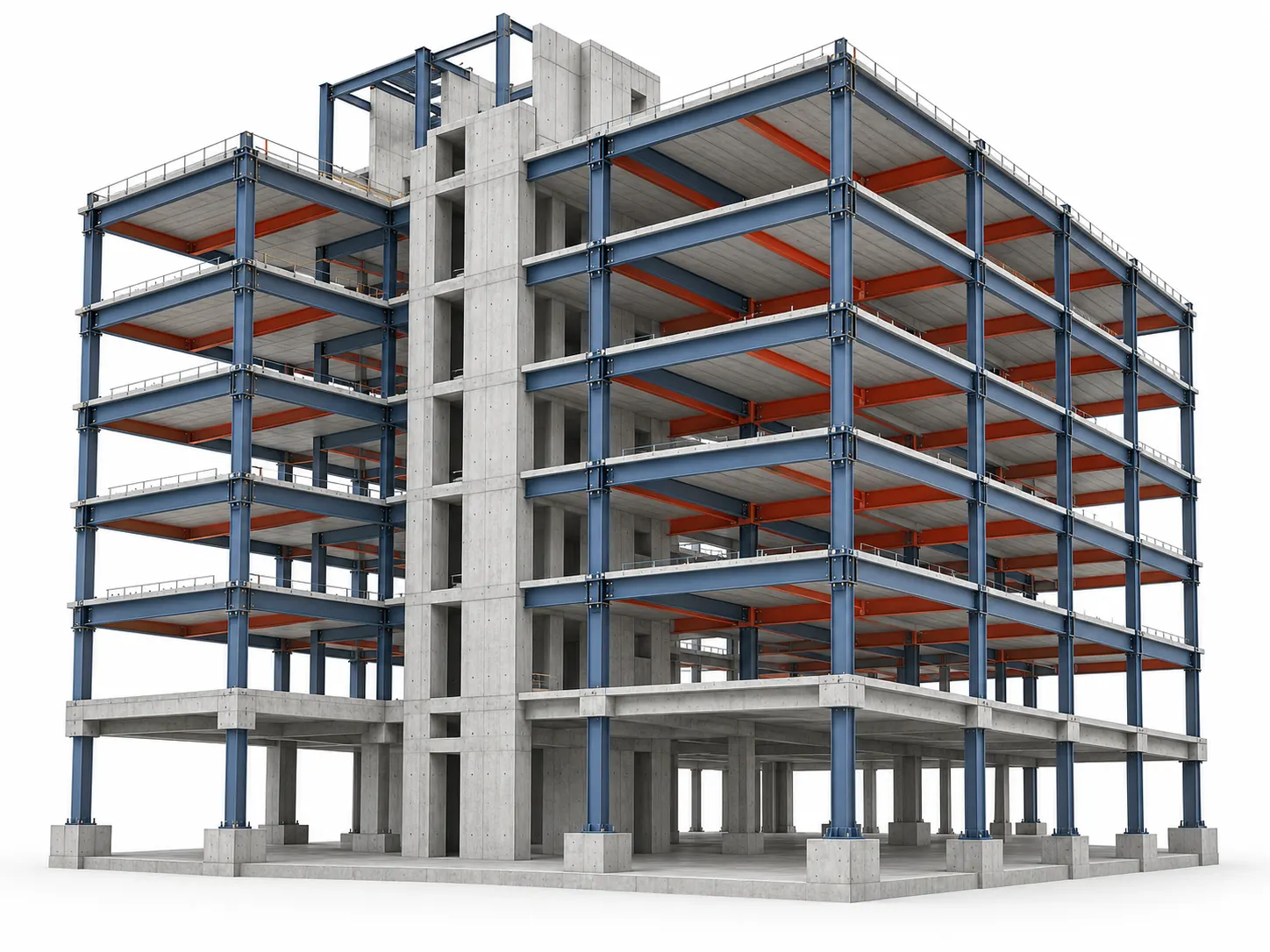
3D BIM Models Built to Your Project Requirements
Our BIM specialists review source drawings, existing models, specifications and BIM Execution Plans before developing the agreed 3D models. We define element geometry, parameters, model structure and revisions for the intended project use, while keeping engineering design approval with the appointed project professionals.
Architectural BIM Modeling
Develop 3D models of walls, floors, roofs, doors, windows, stairs and other architectural elements from approved designs and specified project information.
Structural BIM Modeling
Model foundations, columns, beams, slabs, structural framing and other load-bearing components using supplied engineering drawings and structural specifications.
MEP BIM Modeling
Develop mechanical, electrical, plumbing and fire protection models covering ducts, piping, cable trays, equipment and related building services.
CAD to BIM Modeling
Convert supplied 2D CAD drawings and technical documentation into structured 3D BIM models, following agreed geometry, parameters and model development standards.
Revit Family Modeling
Create project-specific Revit families for building components, equipment and fixtures with suitable parameters, dimensions and model representation.
BIM Model Coordination Support
Prepare discipline models for federation and coordinated review. Clash testing, issue ownership and resolution support are covered separately under the agreed BIM coordination scope.
What Can a BIM Modeling Package Include?
Agree the deliverables before work begins. File formats, element information, model revisions, drawing outputs and checking requirements vary by project scope and BIM Execution Plan.
- Revit (.RVT) models
- IFC exports (if agreed)
- 3D discipline models
- Model-derived drawings
- Component schedules
- NWC exports (if agreed)
Our team develops models using the supplied drawings, specifications and agreed BIM requirements. Modeling support does not replace engineering design, statutory approvals or professional responsibilities assigned to the project design team.
Need 3D BIM Models for Your Project?
Share your drawings, required disciplines, LOD, project timeline and expected outputs for a scope review.
3D BIM Modeling Across Architecture, Structure and MEP
Our 3D BIM modeling workflow covers architectural, structural and MEP disciplines. We review supplied drawings and project standards, confirm element-level LOD and required information, and prepare Revit models for agreed documentation and exchange deliverables.
Architectural Building Models
Create architectural Revit elements from supplied plans, elevations and schedules. We organize spaces, components and required properties for consistent model-based drawings and project reviews.
- Walls and partitions
- Floors and ceilings
- Doors and windows
- Roofs and stairs
- Room information
- Architectural schedules
Structural Building Models
Develop structural models from supplied engineering drawings, member sizes and design details. We model the agreed foundations, framing and connections without replacing the structural engineer’s design.
- Foundations
- Columns and beams
- Structural slabs
- Steel framing
- Concrete elements
- Structural schedules
Mechanical, Electrical and Plumbing Models
Build HVAC, electrical, plumbing and fire protection model elements from approved layouts and equipment schedules. Coordination testing and clash closure remain separately scoped BIM coordination activities.
- HVAC ductwork
- Mechanical piping
- Electrical containment
- Plumbing systems
- Equipment geometry
- Fire protection systems
Level of Development-Based BIM Models
Develop model elements to the LOD agreed for each project use. Element-specific requirements govern geometry, interfaces and parameters; a single LOD designation does not define every model component.
- LOD 200 elements
- LOD 300 geometry
- LOD 350 interfaces
- LOD 400 detail
- Required parameters
- Element-specific scope
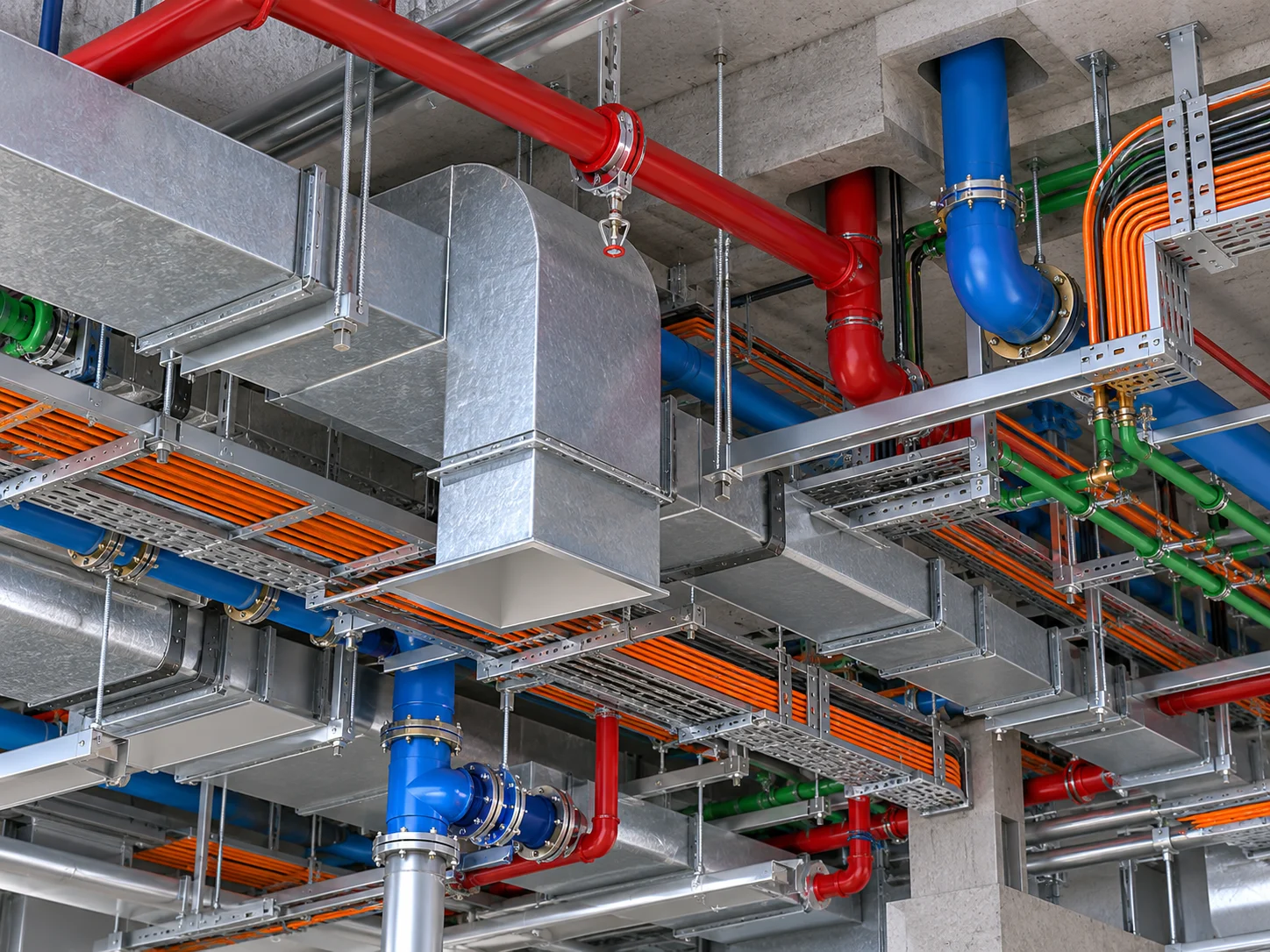
Prepare BIM Models for Documentation and Exchange
Reliable modeling deliverables require consistent levels, coordinates, element naming and required information—not geometry alone. We check these requirements against the agreed BIM Execution Plan so teams can use current Revit models, drawings and approved exports in downstream workflows. For broader services, explore our BIM Services .
BIM Modeling Information and Project Requirements
Share these inputs to help us confirm modeling scope, Revit compatibility, the required detail of model elements and the format of each deliverable.
Where dimensions, system details or design information are incomplete, we identify the affected elements for clarification before developing them to the required model detail. BIM modeling does not replace engineering design approval.
Ready to Scope Your BIM Modeling Package?
Send your reference drawings, required disciplines, LOD, software version and intended model outputs for a practical scope review.
How Our BIM Modeling Process Works
Our 3D BIM modeling workflow moves from scope review and source-file checks to Revit model development, quality review and final delivery. We align each stage with the project’s agreed model uses, LOD and submission requirements.
What Should You Send for a BIM Modeling Review?
Send the available design information and BIM requirements so we can define discipline boundaries, element detail, model format and delivery milestones before production starts.
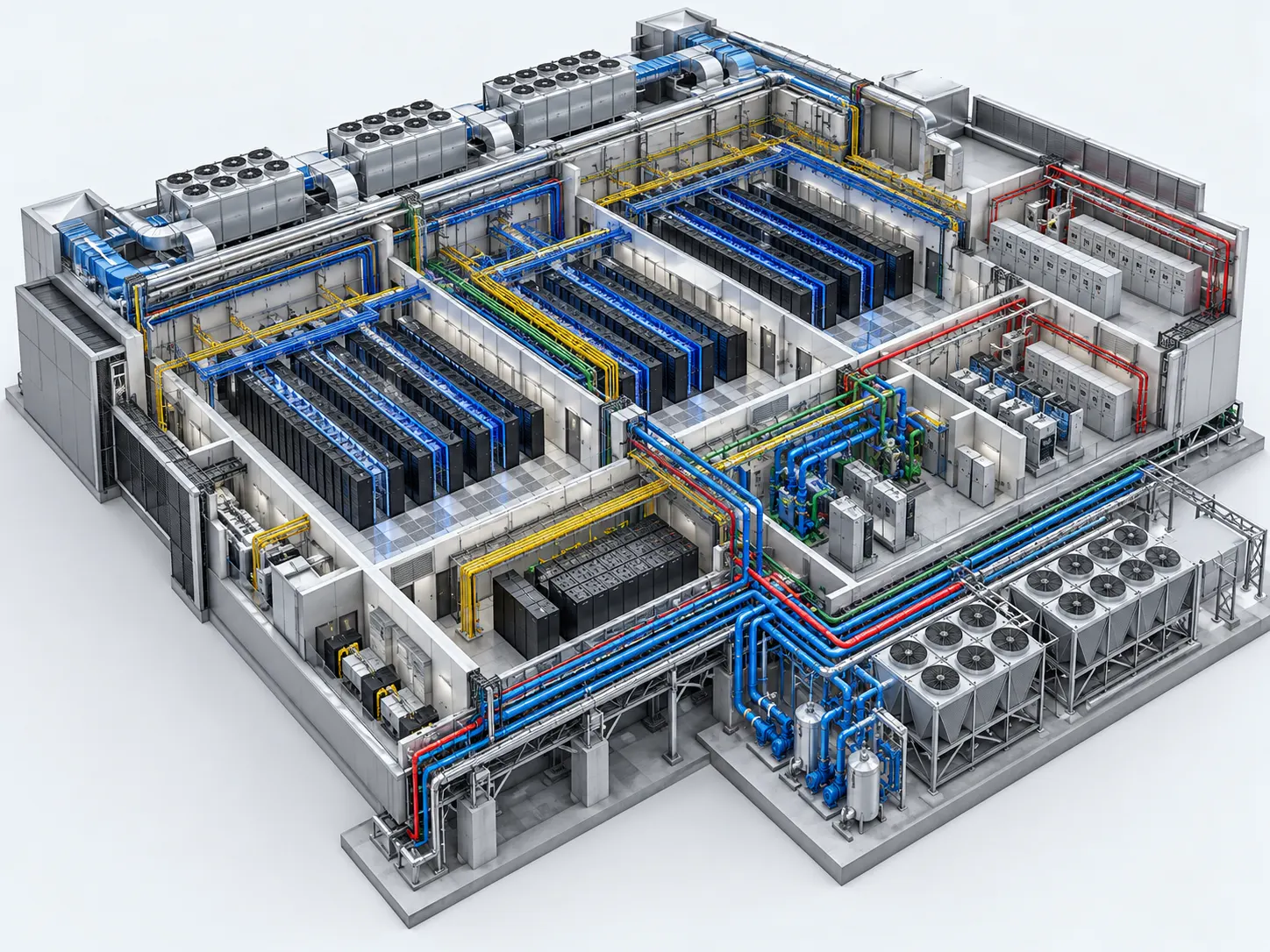
Review Source Information
Confirm the current drawings, existing models, missing inputs, agreed disciplines and outputs.
Establish the BIM Environment
Set up Revit versions, coordinates, levels, grids, naming rules and model ownership.
Develop the Revit Models
Build discipline models to agreed element-level geometry, parameters and LOD requirements.
Review Models and Interfaces
Check coordinates, required parameters and model consistency; log design questions for the appropriate team.
Check and Issue Deliverables
Verify revisions and model checks, then issue agreed RVT, IFC, drawing or schedule deliverables.
Maintain Consistent Building Information Models
A consistent model structure helps contractors and consultants use current discipline files for review, drawing production and information exchange.
Manage Approved BIM Model Changes
We incorporate approved design changes and review comments, identify the changed model revision and preserve the agreed model naming structure.
Match BIM Model Detail to the Required Project Output
Agree the intended model use and element-level information needs before assigning LOD. A model prepared for design review can differ from one supporting construction coordination or fabrication.
Detailed BIM requirements cannot replace missing engineering or design decisions. Where inputs are incomplete, our team flags the affected elements for clarification rather than introducing unverified assumptions.
Ready to Define Your 3D BIM Modeling Scope?
Share your current drawings, BIM Execution Plan, Revit version, LOD needs and required outputs.
Where 3D BIM Modeling Supports Project Delivery
Our 3D BIM modeling services support contractors, architects and engineering teams with design reviews, drawing production, model-based quantities and structured handover information. Each use depends on the agreed model scope and LOD.
Design Visualization
Review architectural, structural and MEP geometry, building spaces and key design interfaces before issuing the next design or construction package.
Multidisciplinary Model Review
Use aligned discipline models for combined reviews and consultant feedback. Detailed clash detection remains part of a separately agreed coordination scope.
Construction Documentation
Generate agreed plans, sections, elevations and schedules from structured Revit models, with drawing content reviewed against the approved design.
Quantity Extraction
Structure model elements and parameters for quantity schedules and material review. Teams must validate extracted quantities against the model’s completeness.
Complex Building Systems
Model plant rooms, equipment zones, structural framing and dense MEP routes for industrial, commercial and data center projects as scoped.
As-Built Model Updates
Incorporate verified site records, approved changes and marked-up information into existing Revit models for agreed handover deliverables.
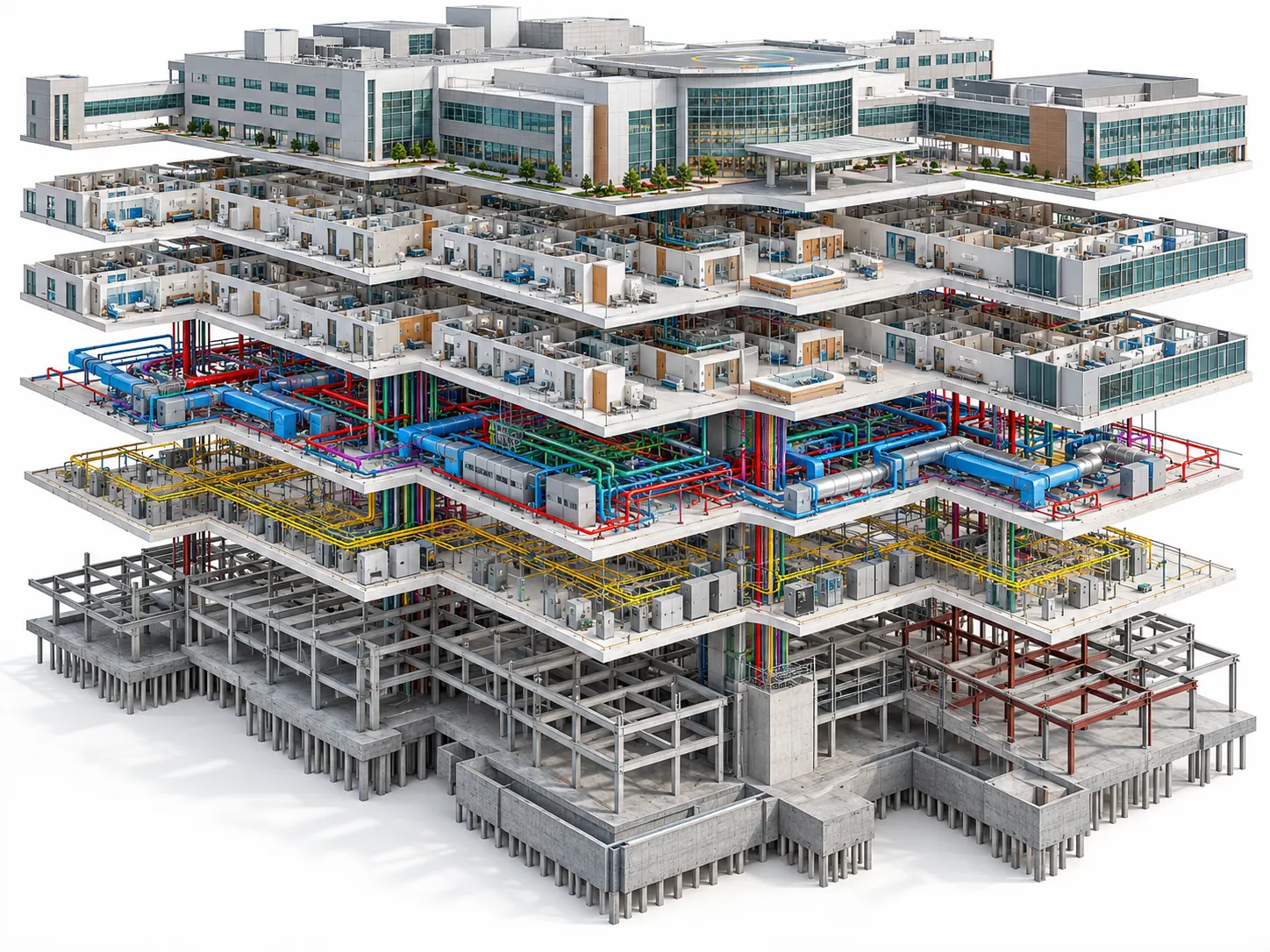
Why Contractors Choose Optimar Precon for BIM Modeling
We provide project-based and ongoing BIM modeling support for contractors, architects and engineering firms. Our team follows agreed modeling standards, manages approved revisions and prepares the required Revit files and model exports for review and delivery.
Tools Used for BIM Modeling Delivery
Autodesk Revit supports our core modeling work, with Navisworks and Autodesk collaboration tools used when required. We agree software versions, file exchanges and access before project delivery.


Need a 3D BIM Modeling Quote for Your Project?
Send your reference drawings, model disciplines, Revit version, LOD and delivery deadline for scope review.
BIM Modeling Services FAQs
Find practical answers about 3D BIM modeling services, Revit deliverables, LOD requirements, project inputs and ongoing modeling support.
What do 3D BIM modeling services include?
3D BIM modeling services develop architectural, structural and MEP building models with geometry and agreed element information. Depending on scope, outputs can include Revit models, IFC files, model-derived drawings and schedules for project review and construction documentation.
What information is required to start a BIM modeling project?
We typically require project drawings, specifications, existing models and the expected deliverables. Where available, share the BIM Execution Plan, software version, required LOD, project coordinates and timeline so our team can review the scope.
Can you create BIM models from CAD drawings and PDFs?
Yes. We can develop BIM models from supplied 2D CAD drawings, PDF plans and approved design references. Missing dimensions or unclear details may require clarification. Explore our CAD to BIM Services for this specific requirement.
Which Levels of Development can you provide?
We can support LOD 200, LOD 300, LOD 350 and LOD 400 modeling where the source information and agreed scope support those requirements. The appropriate LOD depends on each element’s intended project use.
What software and file formats do you support?
Our modeling workflow uses Autodesk Revit, with supporting AutoCAD and Navisworks tools where required. Project deliverables may include RVT models, IFC exports, NWC files, drawings and schedules according to the agreed software versions and standards.
Can you update existing BIM models after design revisions?
Yes. Our team can incorporate approved drawing changes, marked-up revisions and review comments into existing models while maintaining agreed model structure, naming conventions and information requirements.
Can you provide dedicated BIM modelers for large projects?
Yes. Optimar Precon can discuss dedicated BIM modeling resources or project-based support for ongoing architectural, structural and MEP requirements. Resource arrangements depend on the project workload, software standards, timelines and deliverables.
How are BIM modeling cost and turnaround time determined?
Cost and delivery time depend on project size, modeling disciplines, geometric complexity, LOD requirements, source-file quality, revision cycles and expected outputs. Sharing your project files allows us to assess the scope before providing a quote.
Request 3D BIM Modeling Support for Your Project
Send your architectural, structural or MEP drawings, existing Revit models, required LOD, software version, deliverables and deadline. Our team can review your scope and discuss project-based or ongoing BIM modeling support.