
Revit Family Creation Services
Optimar Precon provides Revit Family Creation Services for architects, engineers, contractors, manufacturers and BIM teams requiring structured Revit content for project and library workflows.
Our team develops custom and parametric Revit families with defined geometry, parameters, materials, connectors, visibility controls and project information according to the requirements supplied.
What Do Our Revit Family Creation Services Cover?
Our Revit Family Creation Services develop reusable BIM components around the geometry, parameters, data, materials, visibility requirements and Revit version defined for each assignment.
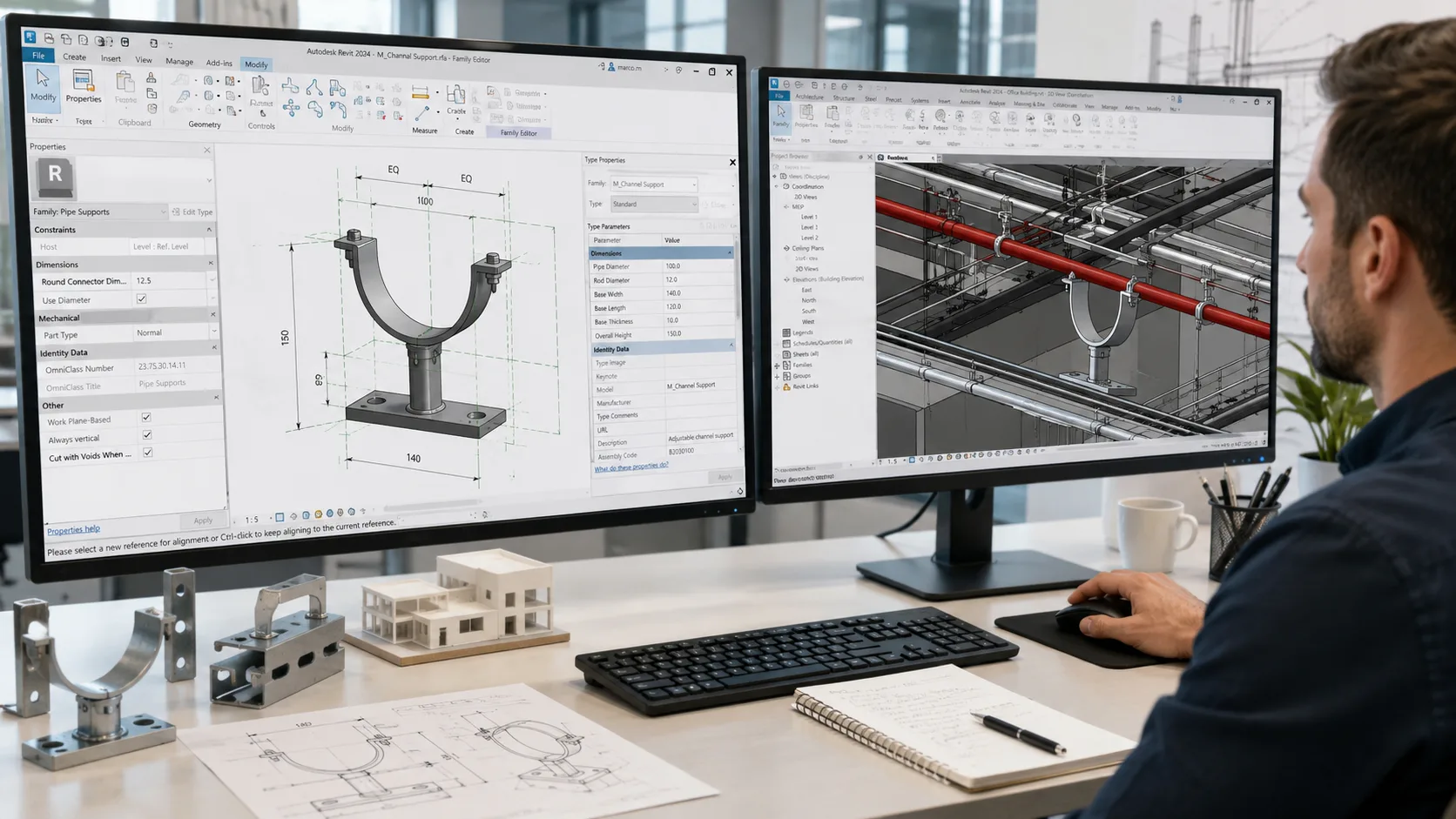
Custom Revit Families Built Around Defined Project Requirements
Our BIM team can develop Revit families from supplied CAD drawings, PDFs, product information, existing family content, manufacturer data or defined project requirements. Geometry and data are structured according to the intended family use and agreed scope.
Architectural Revit Families
Custom BIM families for defined architectural components such as doors, windows, furniture, casework, fixtures and project-specific architectural content.
MEP Revit Family Creation
Family development for defined mechanical, electrical and plumbing equipment, fixtures, devices and components, including applicable connector information where specified.
Structural Revit Families
Revit content for defined structural components such as beams, columns, foundations, profiles and related project elements based on the supplied geometry and data requirements.
Custom Parametric Revit Families
Develop configurable Revit components with defined dimensional, material, visibility and data parameters for repeated use across BIM projects.
Manufacturer & Product Families
Create Revit content from supplied manufacturer drawings, specifications, product dimensions and required data fields for defined product ranges.
Revit Library Development & Optimization
Develop, review and organise existing or new Revit family libraries around agreed naming, parameter, content and performance requirements.
What Can Be Structured Inside a Revit Family?
The exact parameter structure depends on how the family will be used, what information is supplied and which data fields are required by the project or library standard.
What Can the Final Revit Content Package Include?
Outputs are defined around the Revit version, family requirements, source information and library structure agreed for the assignment.
Creates reusable Revit components with defined geometry, parameters, data and family behaviour for use within BIM models and content libraries.
Develops the broader building or system model using project information and BIM components. Family creation focuses specifically on the reusable components used inside those project models.
Revit version, family category, hosting behaviour, geometry requirements, dimensional controls, materials, parameter structure, connectors and required information should be confirmed against the supplied project or manufacturer requirements.
Have Revit family requirements ready?
Send your CAD, PDF, product information, existing family files or BIM content requirements for scope review.
How Our Revit Family Creation Process Works
Our Revit Family Creation Services follow a structured process from source-information review and family definition through geometry development, parameter setup, testing and final content delivery.
What Should You Send Before Revit Family Development Begins?
The best source package depends on whether the family represents a project component, manufacturer product, existing BIM object or new custom content.
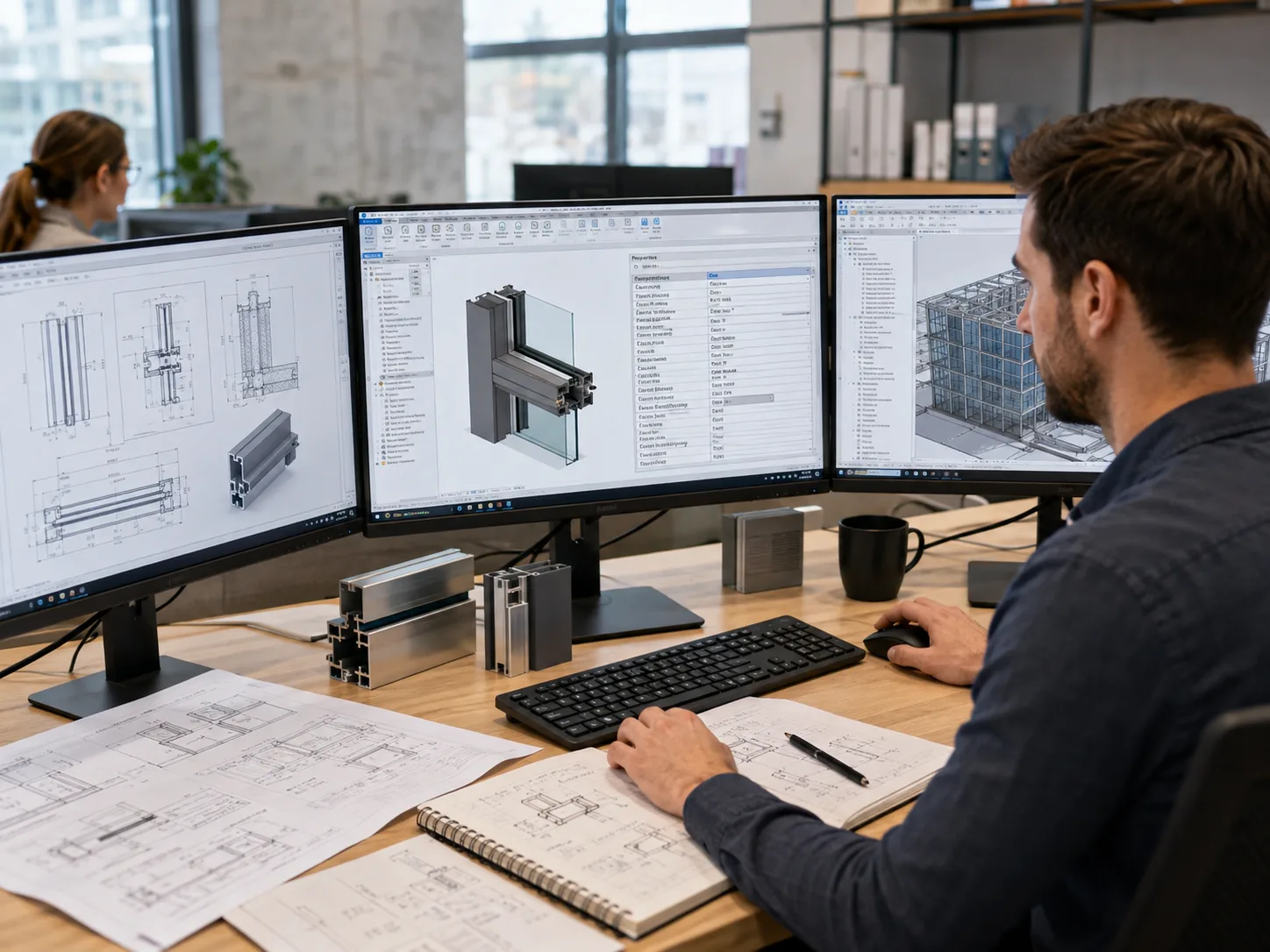
From Source Information to Reusable Revit Content
The workflow keeps geometry, data, parameters and family behaviour aligned with the requirements defined for the assignment.
Review Source Information
Review supplied CAD, PDF, product information, existing content and required Revit version.
Define Family Behaviour
Confirm category, hosting, parameters, types, materials, connectors and visibility requirements.
Develop Geometry & Parameters
Create the defined family geometry and configure the required dimensional, material and data parameters.
Test Family Behaviour
Review parameter changes, family types, visibility, connectors and defined model behaviour.
Issue Revit Content
Organise and deliver the agreed RFA files, family types and related content for the required version.
Define Family Behaviour Before Modeling the Component
A useful Revit family is more than 3D geometry. The intended use, parameter strategy, hosting, visibility and information requirements should be agreed before the content is built.
What Do We Check Before Revit Family Delivery?
Testing focuses on the family requirements defined for the assignment and whether the developed content behaves consistently when used as intended.
Family geometry should match the intended BIM use without adding unnecessary detail that does not support the defined project requirement.
Dimensions, family types, visibility settings and other defined controls should be checked across the intended range.
Product characteristics, performance information and manufacturer data should come from the supplied project or product documentation.
Ready to define your Revit family requirements?
Send your source drawings, product information, required Revit version and parameter requirements for scope review.
Revit Family Creation for Project, Product & BIM Library Workflows
Our Revit Family Creation Services can support project teams, BIM managers, designers and manufacturers that need reusable, structured Revit content for defined project or library requirements.
Architectural BIM Content
Custom families for doors, windows, furniture, casework, fixtures and other defined architectural components used within project models.
MEP Equipment & Components
Revit families for defined HVAC, electrical, plumbing and building-services equipment with required geometry, parameters and applicable connectors.
Structural BIM Components
Reusable content for defined beams, columns, profiles, foundations and other structural elements based on supplied geometry and data.
Manufacturer Product Content
Custom Revit families developed from supplied product drawings, dimensions, specifications and required manufacturer information fields.
Company BIM Libraries
Develop and organise reusable family collections around agreed naming, parameter, category and content requirements.
Project-Specific Revit Content
Create families for components not available within the existing project library, with behaviour and information tailored to the defined assignment.
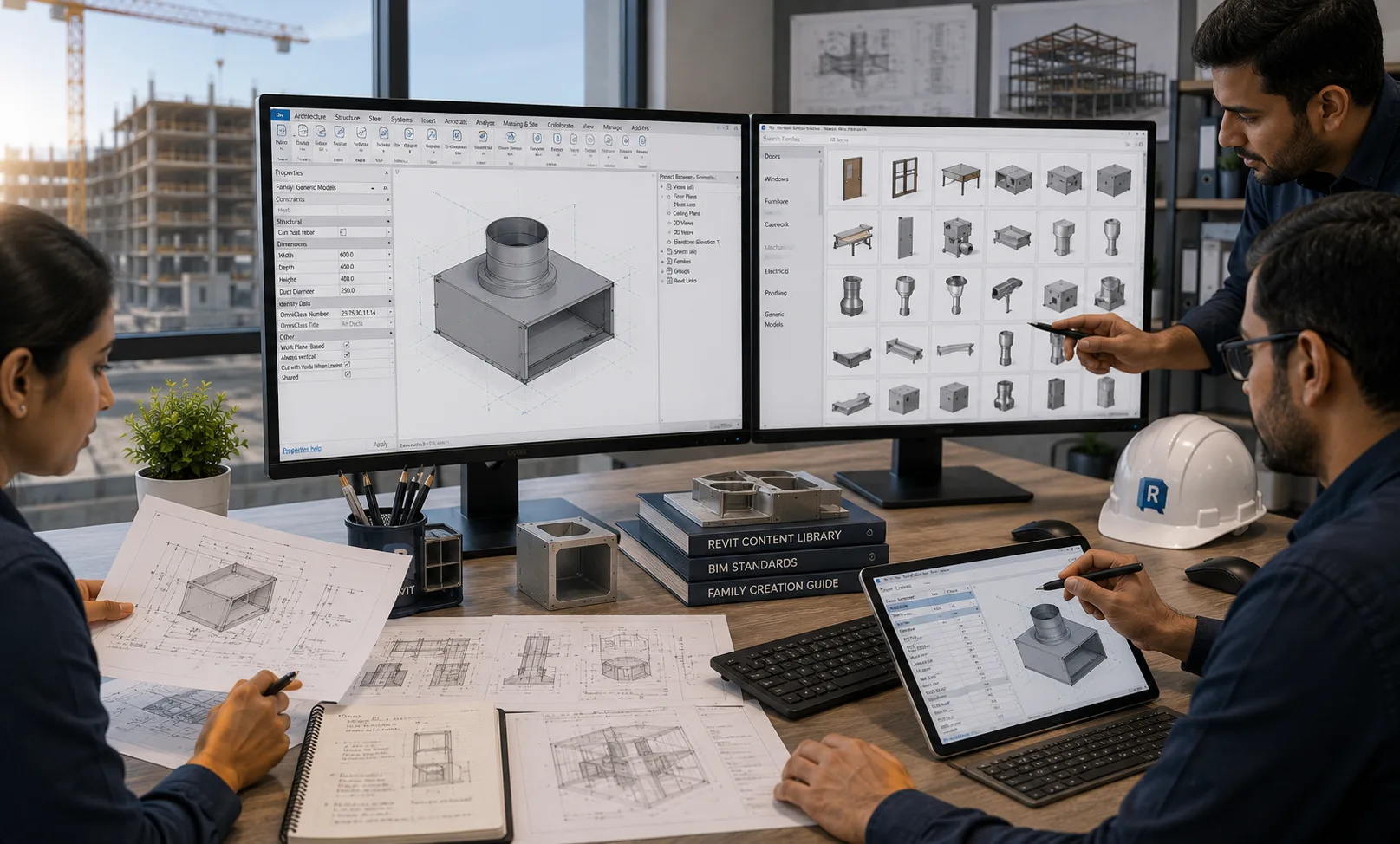
Revit Family Development Built Around How the Content Will Be Used
Our workflow begins with the intended family use, source information, Revit version, geometry requirements, parameter strategy and required outputs. This keeps the family creation process aligned with the actual BIM or content-library requirement.
Tools Supporting Revit Family Development
The development workflow can use Revit, automation and shared BIM environments according to the family scope, content volume and project requirements.
How Structured Revit Families Support BIM Workflows
Reusable Revit content can give project teams a more consistent way to place, configure and manage defined components across BIM models and content libraries.
Optimar Precon develops Revit families from the drawings, product information, specifications, parameters and BIM requirements supplied. Engineering characteristics, manufacturer performance data, product certification and technical approval remain the responsibility of the relevant manufacturer, designer or authorised project professional.
Need additional Revit content development capacity?
Send your source files, Revit version, family requirements and parameter structure for scope review.
Revit Family Creation Services FAQs
Answers to common questions about custom Revit families, parametric content, source files, Revit versions, MEP connectors, manufacturer content, family optimization and BIM library development.
What are Revit Family Creation Services?
Revit Family Creation Services develop reusable BIM components with defined geometry, parameters, materials, visibility settings, data and family behaviour for use within Revit projects and BIM content libraries.
Can you create Revit families from CAD drawings, PDFs or product information?
Yes. Revit families can be developed from supplied CAD drawings, PDFs, component drawings, product specifications, manufacturer information or other defined source material. The available information is reviewed before the required geometry and data structure are established.
What makes a Revit family parametric?
A parametric Revit family uses defined parameters to control applicable dimensions, family types, materials, visibility or other component properties. The exact controls depend on how the family is intended to be used.
What types of Revit families can you create?
The scope can include architectural, structural and MEP families, as well as manufacturer product content and project-specific components. Examples include doors, windows, furniture, equipment, fixtures, devices, beams, columns and other defined BIM objects.
Can you create Revit families for a specific Revit version?
Yes. The required Revit version should be confirmed before family development begins. The final RFA files can then be prepared around the agreed project or library version included in the scope.
Can MEP Revit families include connectors and system information?
Yes, where applicable to the family and included in the defined requirements. MEP families can include specified connector setup and related BIM parameters based on the project or product information supplied for development.
Can you update or optimize existing Revit families?
Yes. Existing family files can be reviewed and updated for defined geometry, parameters, family types, visibility, naming or content requirements. The required changes should be identified before the optimization scope is confirmed.
Can I outsource a complete Revit family library or only selected families?
Yes. Revit family development can be structured around a single custom component, a defined group of families, manufacturer product content or a larger BIM library package based on your requirements.
Have Revit Family Requirements Ready for Development?
Send your CAD files, PDFs, product information, existing RFA files, required Revit version and parameter requirements. Our team can review the available information and discuss the appropriate Revit family creation scope.