
2D CAD Drawing Services
Optimar Precon provides 2D CAD Drawing Services for contractors, architects, engineers, subcontractors and construction teams that need accurate technical drawings developed from supplied design information, sketches, existing CAD files and project documentation.
Our 2D CAD drafting scope can include architectural floor plans, elevations, sections, structural layouts, mechanical, electrical and plumbing drawings, civil plans, dimensioned details, drawing revisions and editable AutoCAD documentation according to the agreed project requirements.
Discuss Your 2D CAD Drawing Scope
Share your existing drawings, sketches, PDF files, engineering references, CAD standards, drawing quantity and expected deliverables for review.
What Do Our 2D CAD Drawing Services Cover?
Our 2D CAD Drawing Services support architectural plans, structural drafting, mechanical, electrical and plumbing layouts, civil drawings, elevations, sections, technical details, drawing updates and construction documentation using supplied project information and approved CAD standards.
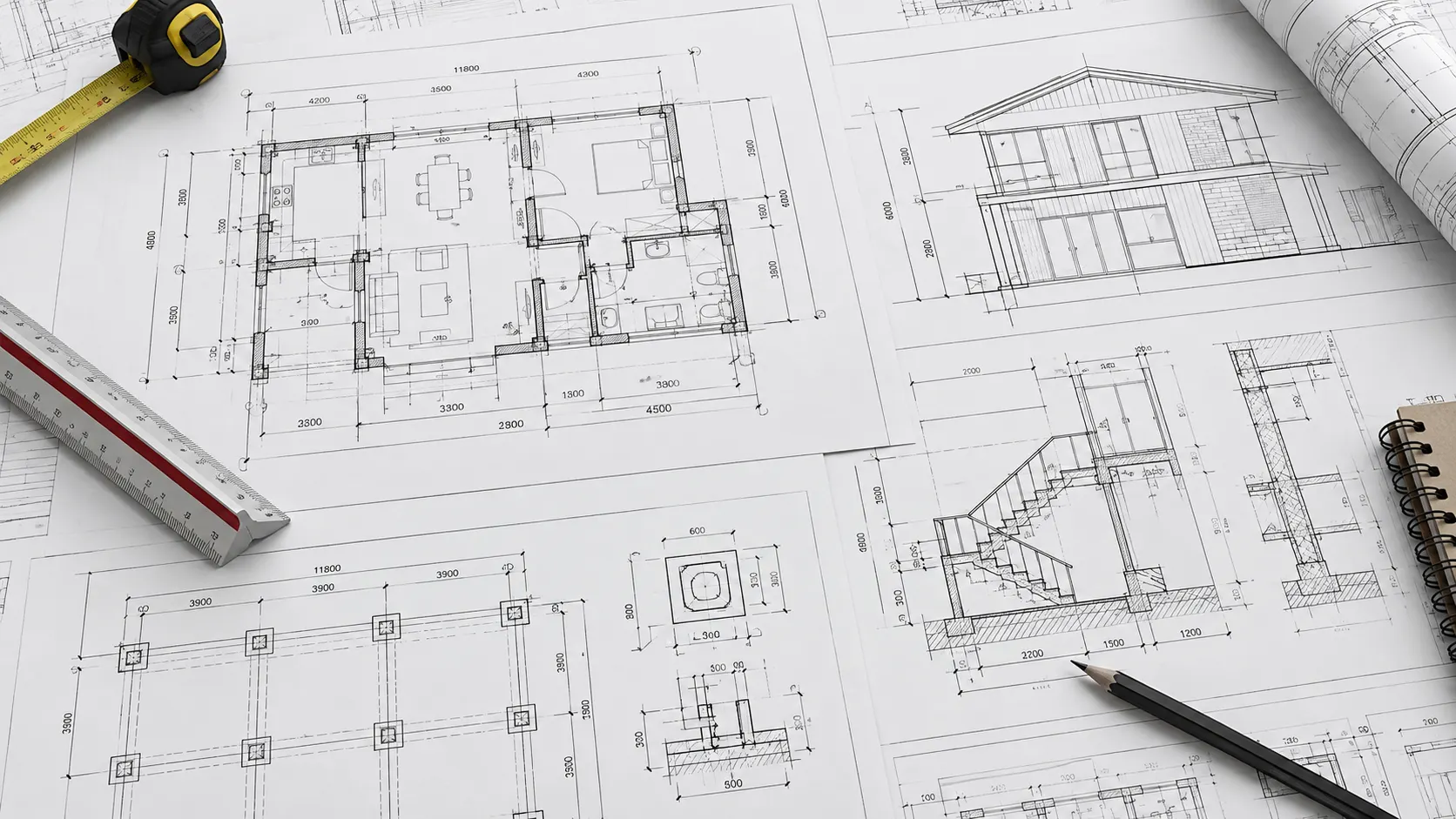
From Approved Design Information to Structured 2D CAD Drawings
2D CAD drawings can be developed from supplied design sketches, architectural and structural references, engineering layouts, PDF files, existing AutoCAD drawings, project standards and authorised revisions. The agreed scope defines the disciplines, views, dimensions, annotations and technical details that must appear in each drawing package.
Architectural 2D CAD Drawings
Prepare dimensioned floor plans, architectural elevations, sections, room layouts and building details from approved design information.
Structural 2D CAD Drafting
Develop structural framing layouts, foundation plans, sections and reinforcement references using engineer-approved inputs.
Mechanical 2D CAD Drawings
Draft defined HVAC equipment layouts, ductwork routes, mechanical plant arrangements and related technical references from supplied design information.
Electrical 2D CAD Drawings
Prepare approved lighting layouts, power distribution plans, equipment locations and electrical drawing references for project documentation.
Plumbing 2D CAD Drawings
Draft plumbing fixture layouts, piping plans, drainage references and equipment connections according to approved engineering information.
Civil and Infrastructure Drawings
Prepare site layouts, utility plans, drainage drawings, grading references and civil technical details from supplied design data.
Technical Sections and Details
Develop enlarged drawing details, sectional views, annotations and typical construction assemblies from approved documents.
2D CAD Drawing Revisions
Update existing AutoCAD sheets using authorised markups, revised design documents, technical comments and agreed revision procedures.
2D CAD Drawing Standardisation
Apply defined layer conventions, dimension styles, title blocks, drawing scales and file standards across technical drawing sets.
Review 2D Drawing Interfaces Across Construction Disciplines
Architectural, structural, mechanical, electrical and plumbing drawings often share grids, levels, openings and equipment references. Corresponding drawings can be reviewed for consistency using the supplied design information.
What Can Be Included in a 2D CAD Drawing Package?
Deliverables depend on the drawing disciplines, approved technical inputs, required design stage and client CAD standards. The final drawing list and file formats are agreed before production.
Five Elements of Consistent 2D CAD Drawings
CAD drawing quality depends on consistent technical presentation and controlled documentation. Drawing requirements are established using the relevant client templates and standards.
Project standards may include AIA, ISO, BS or client-specific drafting conventions. The applicable requirements and editions must be confirmed. Drawing production does not itself provide professional engineering or regulatory certification.
What Information Is Needed to Begin 2D CAD Drafting?
Source drawings, sketches, approved engineering information and drawing standards help establish the required drafting scope. Missing or conflicting details should be clarified before final drawing issue.
2D CAD drawing services document supplied and approved technical information. Independent engineering design, calculations, site verification, professional certification and statutory approvals require separate responsibilities unless expressly included in the agreed scope.
Need 2D CAD Drawings for Your Project?
Share your existing drawings, sketches, engineering references, CAD standards and required deliverables for review.
How Our 2D CAD Drafting Process Works
A structured 2D CAD drafting workflow moves from supplied drawings, sketches and technical requirements to CAD setup, detailed drawing production, multidisciplinary reference review, quality checks and agreed DWG or PDF deliverables. Drawing standards, revision requirements and the scope of technical approvals remain defined throughout the assignment.
What Information Should Be Provided Before 2D CAD Drafting Begins?
Starting information depends on the drawing discipline, project stage, required detail and source-file condition. Current design references and CAD requirements should be established before technical drawing production begins.

From Project Information to an Agreed CAD Drawing Package
The exact drafting sequence varies by project type and drawing purpose, but these six stages provide a controlled approach to producing and updating technical CAD drawings.
Review Project Information
Review drawings, sketches, engineering references, CAD standards, sheet lists and technical requirements. Identify missing dimensions or unclear source information.
Establish the CAD Drawing Environment
Set up drawing units, layers, templates, title blocks, plotting styles, external references and agreed drawing naming conventions.
Develop 2D CAD Drawings
Prepare architectural, structural, MEP or civil plans, elevations, sections and details using approved geometry, dimensions and design instructions.
Review Drawing Interfaces
Compare shared grids, levels, openings and equipment references across relevant discipline drawings. Flag inconsistencies for the design team.
Perform CAD Quality Checks
Review sheet completeness, drawing scales, dimensions, annotations, CAD layers, reference links, revision identifiers and PDF plotting.
Prepare Drawings & Revisions
Prepare agreed DWG and PDF files, sheet registers and review sets. Incorporate authorised corrections and record the final drawing issue status.
Define the 2D CAD Drawing Structure Before Drafting
Project CAD templates, file structure, units, line types and drawing standards should be established before detailed drafting begins.
Check References Across Architectural, Structural and MEP Drawings
A 2D drawing set may contain multiple views of shared building components. Relevant references can be reviewed for consistency before documents are issued for approval.
Review CAD Drawing Quality Before Issue
CAD quality checks assess the incorporation of approved information and drawing presentation. They do not replace engineering design verification.
How Drawing Revisions Are Managed During a Project
Updated design information and review comments should be documented clearly. Revision control helps teams identify the current CAD package and the changes included.
Prepare the Agreed 2D CAD Deliverables
CAD files and drawing sheets are prepared in the agreed formats with relevant revisions and file references. The required issue status is identified before handover.
If supplied drawings, sketches, dimensions or discipline references are incomplete or inconsistent, the affected information should be clarified with the responsible project team. Unverified dimensions and engineering assumptions should not be represented as approved design information.
Distinguish CAD Drafting From Engineering Approval
Clearly assigned responsibilities help control technical information and final drawing approvals. Drafting support does not automatically include independent engineering design or certification.
Need 2D CAD Drawings Prepared or Revised?
Share your drawings, sketches, engineering information, CAD standards and delivery requirements for an initial drafting review.
2D CAD Drawing Support Across Construction and Engineering Projects
Optimar Precon provides 2D CAD drafting services for construction and engineering projects where architectural plans, structural layouts, mechanical and electrical drawings, plumbing documentation, civil plans and technical details must be prepared from approved design information.
Commercial Buildings
Draft floor plans, elevations, structural references and MEP layouts for offices, retail and commercial construction.
Industrial Facilities
Develop equipment layouts, service drawings, construction details and technical plans for industrial facilities.
Data Centers
Prepare approved electrical-room layouts, cooling-system plans, equipment arrangements and technical drawing details.
Healthcare Facilities
Support architectural, structural and building-services documentation for hospitals, clinics and healthcare projects.
Educational Buildings
Prepare classroom plans, circulation layouts, engineering references and discipline drawing packages for education projects.
Hospitality Projects
Draft dimensioned plans, elevations, sections, technical details and building-services layouts for hospitality developments.
Civil Infrastructure
Develop site layouts, utility plans, drainage drawings and civil construction details from engineering references.
Renovation and Retrofit
Revise existing technical drawings using approved design changes and retrofit requirements for construction coordination.
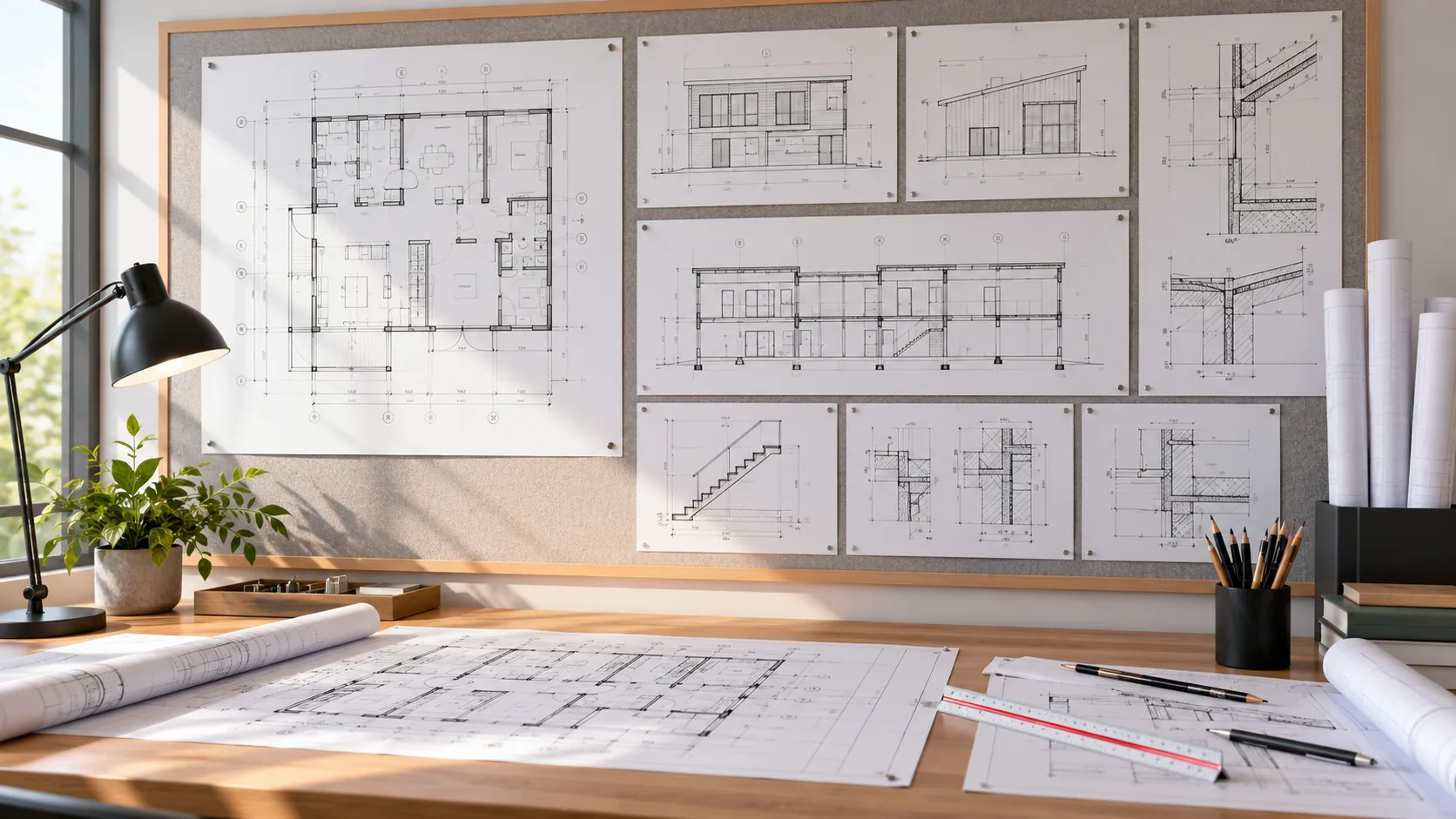
From Design Information to Practical 2D CAD Documentation
Construction teams rely on dimensioned 2D drawings to communicate approved layouts, building details, equipment positions and technical requirements. Drawing scope can cover different disciplines and stages of design development, documentation review and construction planning.
Who Can Use Our 2D CAD Drawing Services?
Our drafting support helps different project participants prepare, update and manage technical drawing packages from supplied information and agreed CAD standards.
Benefits of Outsourcing 2D CAD Drafting
Outsourced 2D CAD drafting can help construction and engineering teams manage drawing workloads without expanding permanent in-house drafting capacity for every project. Defined drawing standards and review responsibilities support consistent deliverables.
Dedicated Support for Technical CAD Documentation
Optimar Precon provides multidisciplinary 2D CAD drafting for contractors, consultants and engineering teams. We work with client-supplied design information, technical references and project CAD standards to prepare defined drawing outputs.
2D CAD Drafting Support for Different Project Workloads
Drawing requirements may range from individual technical details to multidisciplinary drawing packages. We assess source information, quantity, complexity and review requirements before agreeing the delivery programme.
2D CAD Drawing Services for Global Project Teams
Optimar Precon supports projects across international markets. CAD drawing requirements can follow client-specific templates, engineering references, documentation standards and agreed file formats. Applicable project standards should be confirmed before drawing production.
2D CAD drafting services use the approved design information supplied for the agreed project scope. Independent architectural or engineering design, structural calculations, site verification, professional certification and statutory approvals are separate responsibilities unless expressly included in the engagement.
Need 2D CAD Drawing Support for Your Next Project?
Send your existing drawings, sketches, engineering references, required DWG or PDF outputs and project deadline for an initial drafting review.
2D CAD Drawing Services FAQs
These answers cover 2D CAD drawing scope, required files, architectural and engineering documentation, AutoCAD standards, outsourcing, drawing revisions, deliverable formats and engineering approval responsibilities.
What are 2D CAD Drawing Services?
2D CAD Drawing Services involve preparing editable, two-dimensional technical drawings from supplied design information. These drawings can include architectural plans, elevations, sections, structural layouts, MEP plans, civil drawings and construction details with defined dimensions and annotations.
What files are needed to begin 2D CAD drafting?
Starting information can include existing DWG files, PDF drawings, approved sketches, engineering specifications, dimensions, design markups and client CAD standards. The required file types and technical references depend on the drawing discipline and agreed drafting scope.
What types of 2D CAD drawings can Optimar Precon prepare?
Optimar Precon can prepare architectural floor plans, elevations, sections, structural plans, mechanical and electrical layouts, plumbing drawings, civil plans and technical details from approved project information. The exact drawing list, technical content and delivery stage are defined for each assignment.
Can you work with our existing AutoCAD standards and templates?
Yes. When the applicable requirements are provided, drafting can follow the project’s existing CAD layers, drawing units, blocks, title blocks, file naming rules, dimension styles, annotation conventions, plotting requirements and revision procedures.
Can your team update existing 2D CAD drawings?
Yes. Existing CAD drawings can be revised using approved markups, updated design information, technical comments and drawing instructions. The affected sheets and details are reviewed, updated and checked before the revised files are issued under the agreed revision procedure.
Why do construction teams outsource 2D CAD drafting?
Contractors, architects and engineering firms may outsource 2D CAD drafting to manage heavy drawing workloads, additional technical documentation, recurring revisions or specialist CAD production. External support can provide flexible drafting capacity without requiring permanent additional in-house resources for every project.
What formats are included in a 2D CAD drawing package?
Deliverables commonly include editable AutoCAD DWG files and PDF drawing sheets. Depending on the agreed requirements, the package can also include drawing registers, revision information, plotting configurations and referenced CAD files. Final formats should be agreed before production.
Do 2D CAD Drawing Services include engineering design or approval?
No. CAD drafting documents supplied project information within the agreed drawing scope. Independent engineering calculations, design responsibility, professional stamping, regulatory certification and construction approval remain separate responsibilities unless those services are explicitly included and appropriately authorised under a separate agreement.
Have a 2D CAD Drawing Package Ready for Drafting or Revision?
Send your existing DWG or PDF drawings, approved sketches, technical references, CAD standards, drawing requirements and expected deliverables for review. Our team can assess the drafting scope and discuss the required production programme.