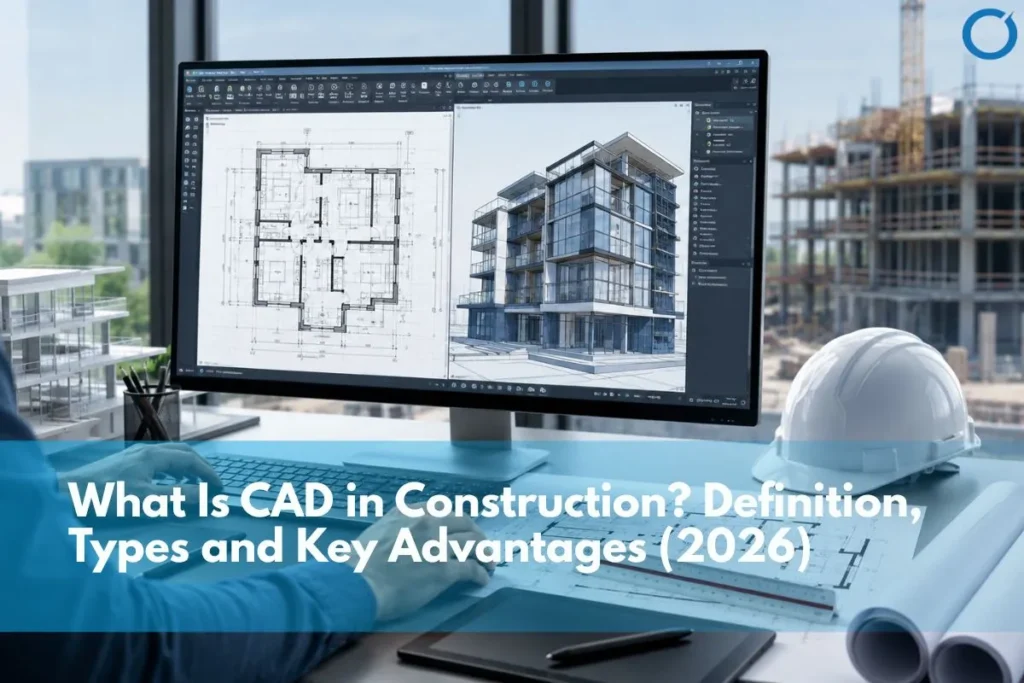

In short, CAD (Computer-Aided Design) produces precise 2D drawings and 3D geometry the technical documentation used for construction, engineering, and design. BIM (Building Information Modelling) produces intelligent 3D models where every element contains embedded data about its properties, cost, and relationships. CAD and BIM are not competing technologies they are complementary. CAD drawings are often the starting point for BIM modelling, and CAD documentation remains the primary construction deliverable even on fully BIM-coordinated projects.
The discussion around BIM vs CAD has become increasingly important as the construction industry continues to adopt digital technologies. Both Building Information Modeling (BIM) and Computer-Aided Design (CAD) play critical roles in the design and documentation of construction projects, but they serve different purposes.
While CAD drafting focuses primarily on creating precise technical drawings, BIM provides an intelligent digital model that integrates design, data, and project coordination. Understanding the difference between BIM and CAD helps contractors, architects, and engineers choose the right workflow for modern construction projects.
Many construction firms today combine BIM modeling with traditional drafting workflows. Companies offering professional BIM modeling services often integrate BIM and CAD processes to support better project planning and coordination.
What is CAD in Construction?
Computer-Aided Design (CAD) is a digital drafting technology used to create precise 2D drawings and 3D models. CAD software has been widely used in architecture, engineering, and manufacturing for decades.
Architects and engineers rely on CAD tools to produce technical drawings that represent building layouts, sections, elevations, and construction details.
Common CAD software tools include:
- AutoCAD
- MicroStation
- DraftSight
- BricsCAD
CAD drawings provide accurate geometric representations of a project but typically do not include the integrated data that BIM models contain.
Many construction firms rely on professional CAD drafting services to prepare construction drawings and documentation required for project approvals and construction. See our guide on What are CAD Services.
What is BIM in Construction?
Building Information Modeling (BIM) is a digital process used to create intelligent 3D models that contain both geometric and informational data about a building.
Unlike CAD drawings, BIM models include detailed information about building components such as materials, quantities, system connections, and project scheduling.
If you are new to the concept, you may want to read our detailed guide on what is BIM in construction which explains how BIM workflows are used across modern construction projects.
BIM allows multiple disciplines, including architects, engineers, contractors, and project managers, to collaborate within a shared digital environment.
BIM vs CAD: Key Differences
Understanding the bim modeling vs cad drafting difference helps project teams choose the right tools for their workflows.
1. Data Integration
CAD drawings represent geometry only. They show shapes, dimensions, and layouts but do not contain detailed project data.
BIM models contain both geometry and structured information. Each building component can include materials, specifications, cost information, and scheduling data.
2. Collaboration
CAD workflows typically involve multiple separate drawings created by different disciplines.
BIM enables real-time collaboration through a centralized digital model that multiple teams can access and update.
3. Clash Detection
CAD drawings require manual coordination to detect conflicts between systems.
BIM software automatically identifies clashes between building systems for a full explanation. See what is clash detection in BIM, including structural elements, ductwork, plumbing, and electrical systems.
4. Project Lifecycle Management
CAD is mainly used during the design and documentation stages.
BIM supports the entire project lifecycle, including design development, construction planning, and facility management.
5. Visualization
CAD primarily produces 2D drawings, although some CAD software supports 3D modeling.
BIM models provide intelligent 3D visualizations that help stakeholders better understand the project.
When Should You Use CAD?
CAD remains an essential tool for many construction workflows.
CAD drafting is commonly used for:
- Preparing construction drawings
- Creating technical documentation
- Developing shop drawing services
- Generating detailed engineering drawings
Because CAD is widely adopted across the construction industry, it continues to be used alongside BIM in many projects.
When Should You Use BIM?
BIM is particularly useful for complex construction projects that require detailed coordination between multiple disciplines.
BIM is often used for:
- Large commercial developments
- Infrastructure projects
- Hospitals and healthcare facilities
- Industrial construction projects
By using BIM workflows, project teams can improve coordination, reduce errors, and enhance project planning.
These BIM models often work alongside cost planning workflows supported by construction estimating services to ensure accurate project budgeting. For a full guide, see Construction Takeoff and Estimation Explained
How BIM and CAD Work Together
In many construction projects, BIM and CAD are not competing technologies but complementary tools.
For example:
- CAD drawings may be used for detailed documentation
- BIM models may be used for BIM Coordination Services and project planning
- CAD data can be integrated into BIM workflows
This combination allows construction firms to leverage the strengths of both technologies.
Industry organizations such as buildingSMART promote open BIM standards that enable better interoperability between BIM and CAD platforms.
The Future of BIM and CAD in Construction
As global construction teams continue adopting digital technologies, BIM use will keep growing across the construction industry. However, CAD drafting will remain an important component of construction documentation and engineering workflows.
Modern construction companies increasingly integrate both BIM services and CAD technologies to improve efficiency and project delivery. By combining intelligent BIM models with accurate CAD drawings, construction teams can achieve better coordination and more reliable project outcomes.
BIM and CAD in 2026: Using Both to Your Advantage
BIM and CAD are not competing tools they are different tools for different jobs. CAD produces the precise technical documentation that planning authorities, building control, and site teams work from. BIM produces the coordinated digital environment that resolves conflicts, validates designs, and manages project data before construction begins.
The most effective construction workflows in 2026 use both. BIM teams extract CAD drawings from BIM models for site issues, and project teams use CAD geometry to build BIM models for 3D Coordination Services. The question is not which technology to choose; it is understanding where each one adds the most value in your specific workflow.
For contractors and developers moving toward more coordinated digital workflows, the starting point is usually BIM coordination for complex projects and CAD drafting for documentation and site delivery, with the two feeding each other throughout the project lifecycle. Contact us to discuss how Optimar Precon can support your BIM and CAD requirements.
FAQs
CAD (Computer-Aided Design), helps project teams produce technical drawings such as 2D floor plans, elevations, sections, and details. These drawings represent building geometry accurately, but they do not contain embedded data beyond the information shown in the drawing. BIM (Building Information Modelling) produces intelligent 3D models where every element contains structured data about its material, specification, cost, and relationships with other elements. The practical difference is that CAD documents a design while BIM coordinates it enabling clash detection, quantity extraction, scheduling, and lifecycle management from the same model.
BIM and CAD are not in competition; they serve different purposes at different stages of a project. BIM is better for coordination, clash detection, and data management on complex multi-discipline projects. CAD is better for producing precise technical drawings, shop drawings, and construction documentation that trades and contractors work from on-site. Most construction projects in 2026 use both BIM for coordination during design and preconstruction, CAD for the detailed documentation that reaches the site team and planning authorities.
Yes, project teams regularly use CAD and BIM together on the same project. CAD drawings often provide the starting point for BIM modelling, especially on renovation and retrofit projects where teams document existing conditions in CAD before converting them into a BIM model. On new-build projects, BIM teams use Revit models to generate CAD drawing outputs, including floor plans, sections, and elevations, which they then issue as CAD drawing sets. The two technologies are complementary rather than mutually exclusive.
Architects, structural engineers, MEP engineers, construction contractors, infrastructure developers, and manufacturers use both BIM and CAD across project planning, design, coordination, documentation, and delivery. In construction, BIM adoption is highest on commercial, healthcare, industrial, and government-procured projects. Project teams use CAD across all project types and scales, from small residential extensions to major infrastructure schemes. In the UK, BIM is mandatory on government projects worth over £5 million. Client requirements on large commercial and federal projects drive BIM adoption in the USA.
Construction companies adopt BIM primarily to reduce coordination failures, rework, and change orders, which the Construction Industry Institute (CII) consistently finds account for 5–15% of total project costs. BIM enables clash detection before construction begins, accurate quantity extraction from the model, 4D sequencing to validate installation programmes, and LOD 500 as-built documentation for facility management. The Stanford CIFE study of 32 projects found BIM reduced unbudgeted changes by up to 40% and delivered an average return of $8.53 for every $1 invested.