
CAD Conversion Services
Optimar Precon delivers CAD Conversion Services, AutoCAD Conversion Services and PDF to CAD Services for converting PDFs, scanned drawings, legacy files, sketches and raster images into structured, editable CAD drawings.
Our CAD team develops organised digital files with project-specific layers, dimensions, annotations and drawing structure for architectural, structural, MEP and engineering workflows.
What Do Our CAD Conversion Services Cover?
Our CAD Conversion Services, AutoCAD Conversion Services and PDF to CAD Services convert existing drawing information into editable CAD files for architectural, structural, MEP and engineering workflows.
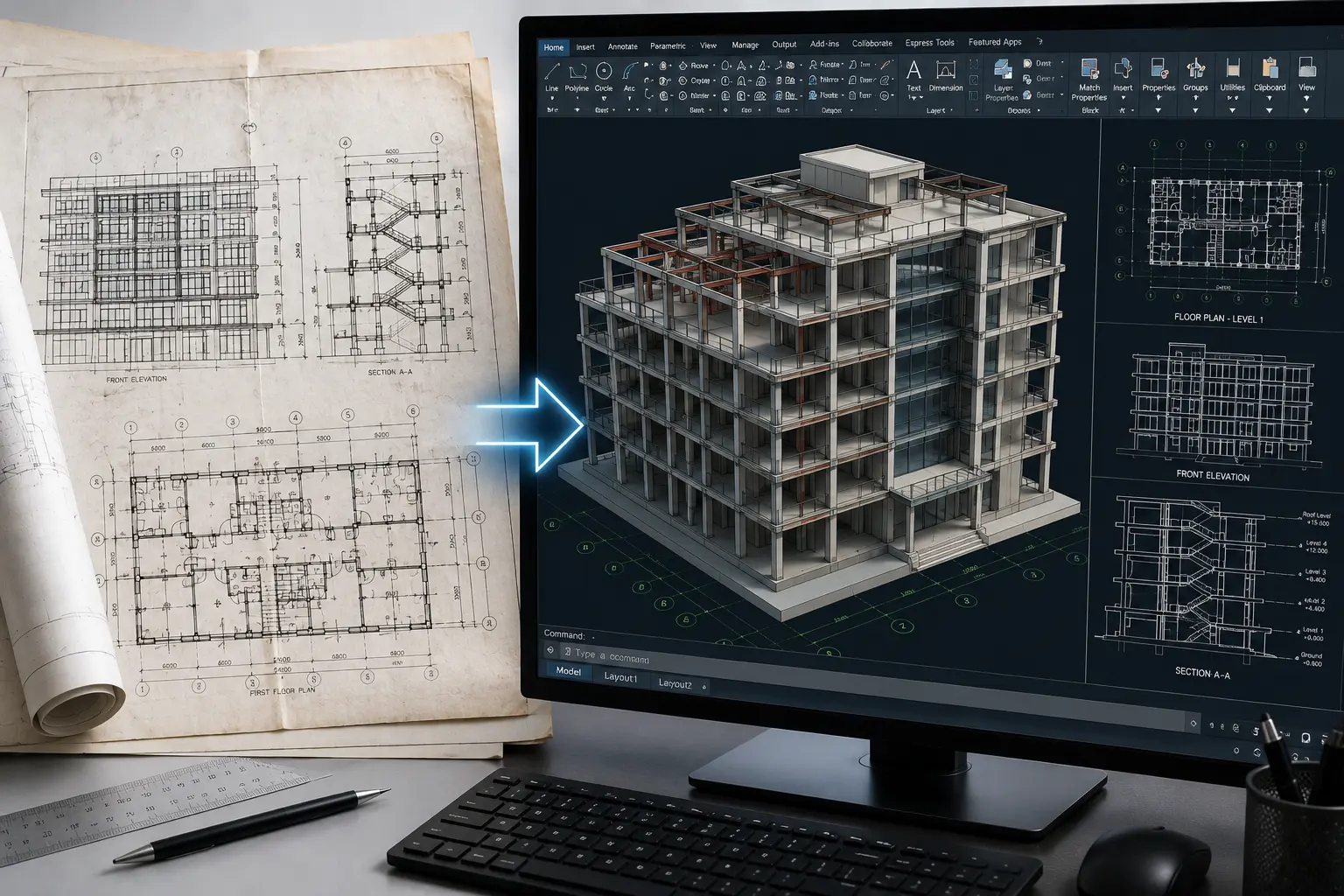
PDF to CAD Services for Structured DWG and DXF Drawings
Our CAD team reviews the supplied PDFs, scans, images or legacy files and rebuilds the required drawing information as organised CAD geometry. The scope can include linework, layers, dimensions, annotations, blocks and other agreed drawing content.
PDF to CAD Services
Convert vector or scanned PDF drawings into editable DWG or DXF files with defined layers, linework, dimensions and annotations according to project scope.
AutoCAD Conversion Services
Our AutoCAD Conversion Services convert or reorganise existing drawing information into structured AutoCAD files for continued drafting and documentation workflows.
Paper to CAD Conversion
Convert available blueprints, hand-drawn plans and paper documents into organised digital CAD drawings based on readable dimensions and project information.
Image to CAD Conversion
Convert JPG, PNG, TIFF and other raster drawing references into editable CAD geometry where the source information provides sufficient drawing clarity.
2D to 3D CAD Conversion
Develop defined three-dimensional CAD geometry from available plans, sections, elevations and technical drawing information where required.
Legacy File Migration
Convert older drawing formats into modern CAD files while maintaining the usable geometry, drawing structure and project information defined in the source files.
Source Files
- PDF drawings
- Scanned blueprints
- Paper plans
- JPG / PNG images
- TIFF / BMP files
- Legacy CAD files
Editable CAD Files
- DWG drawings
- DXF files
- Layered CAD files
- Editable linework
- CAD annotations
- Project-specific files
What Can a Converted CAD Drawing Include?
The final drawing package depends on source-file quality, available reference information and the agreed CAD conversion requirements.
Readable dimensions, linework and annotations help define how much information can be reliably converted.
Provide known dimensions or drawing scale information where available so the CAD setup can follow the intended scale.
Confirm required CAD format, layers, drawing content and downstream use before conversion work begins.
Have PDFs or legacy drawings ready for conversion?
Send your files, required CAD format and expected drawing outputs for project scope review.
How Our CAD Conversion Services Workflow Works
Our CAD Conversion Services follow a structured process from source-file review and drawing setup through conversion, technical checks and final CAD delivery. AutoCAD Conversion Services are configured around the required file format, layer structure, scale and drawing purpose.
What Should You Send for CAD Conversion?
For PDF to CAD Services and other drawing-conversion workflows, send the clearest source files available along with known dimensions, output requirements and applicable CAD standards.
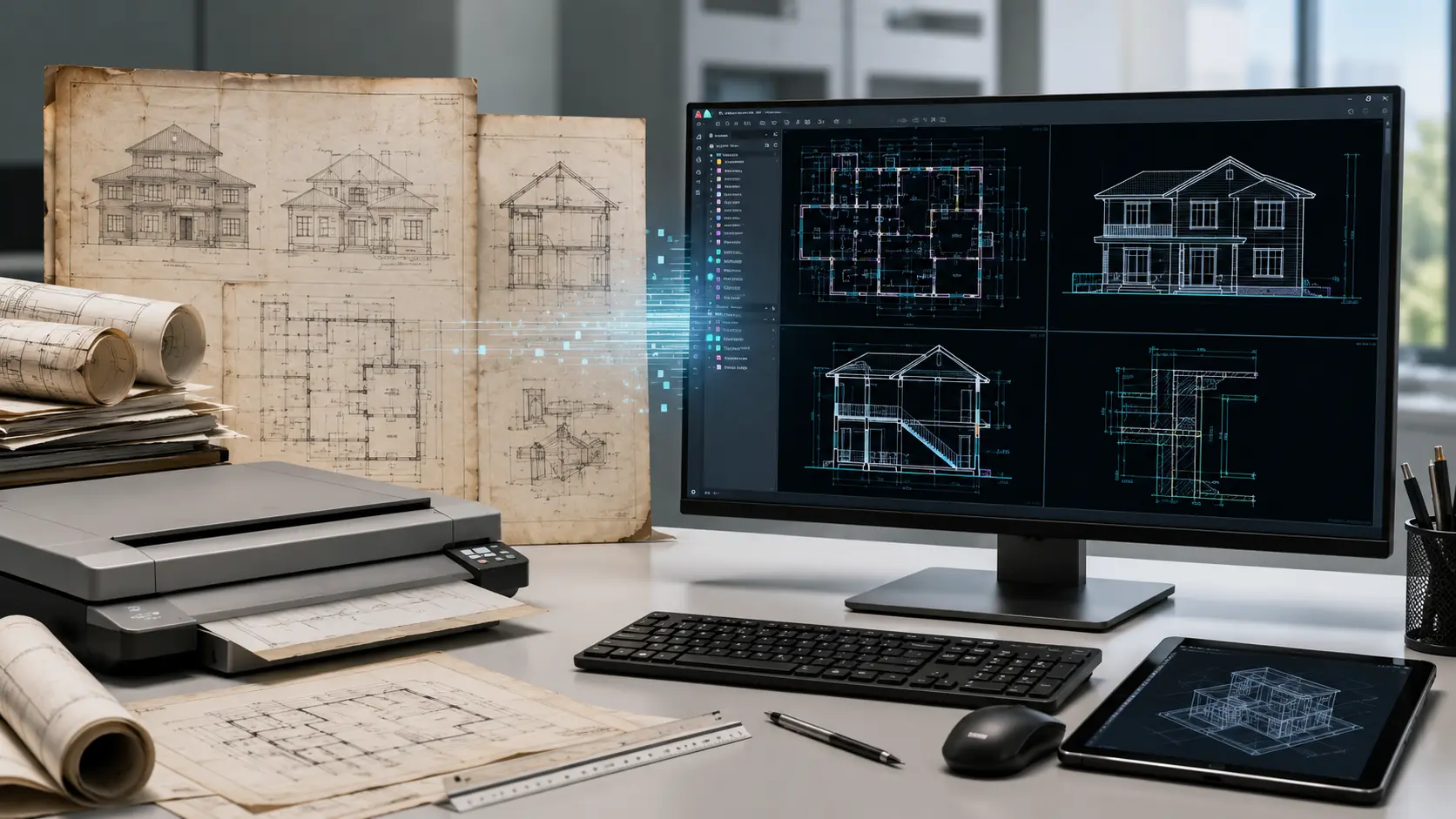
From Static Drawing Files to Editable CAD
Each stage focuses on converting the available information into organised CAD geometry without adding unsupported detail that is not defined by the source material.
Assess Source Files
Review PDF, scan, image or legacy files for readability, dimensions, drawing content and conversion scope.
Confirm CAD Requirements
Confirm output format, units, scale, layers, drawing standards and required project deliverables.
Build CAD Geometry
Recreate the required linework, geometry, dimensions, annotations and drawing elements in the CAD environment.
Review Converted Drawing
Compare the CAD drawing with the available source information and review agreed scale, content and structure.
Issue CAD Files
Prepare the agreed DWG, DXF or project-specific CAD files for final delivery.
Define Drawing Standards Before Conversion Begins
Conversion quality depends not only on the source drawing but also on clearly defined CAD standards and expected downstream use.
What Do We Review Before CAD Delivery?
The final QA review focuses on the agreed conversion scope and the information visible in the source files.
Higher-quality scans and readable drawing information make it easier to reproduce the intended CAD content.
If the source file does not clearly define a dimension or drawing element, clarification should come before conversion.
Layer naming, units, output format and other project requirements should be agreed before production starts.
Ready to review your CAD conversion files?
Send your PDFs, scans or legacy drawings along with required CAD outputs for project scope review.
Where CAD Conversion Supports Project Documentation
Our CAD Conversion Services support teams that need legacy, scanned or static drawing information converted into editable digital files for continued design, coordination and documentation.
Architectural Drawing Conversion
Convert plans, sections, elevations and architectural details from PDF, scan or legacy formats into editable CAD.
Structural Drawing Conversion
Digitize structural plans, framing drawings and engineering details for continued technical drafting workflows.
MEP Drawing Conversion
Convert HVAC, plumbing and electrical drawings into structured CAD files for revisions and coordination.
Engineering Documentation
Rebuild technical drawings and engineering information as editable CAD geometry for continued project use.
Legacy Drawing Archives
Convert older paper, scanned and digital drawing archives into modern CAD formats for future access and updates.
Drawing Revisions & Updates
Create editable CAD files from static sources so project teams can continue revisions, detailing and documentation.
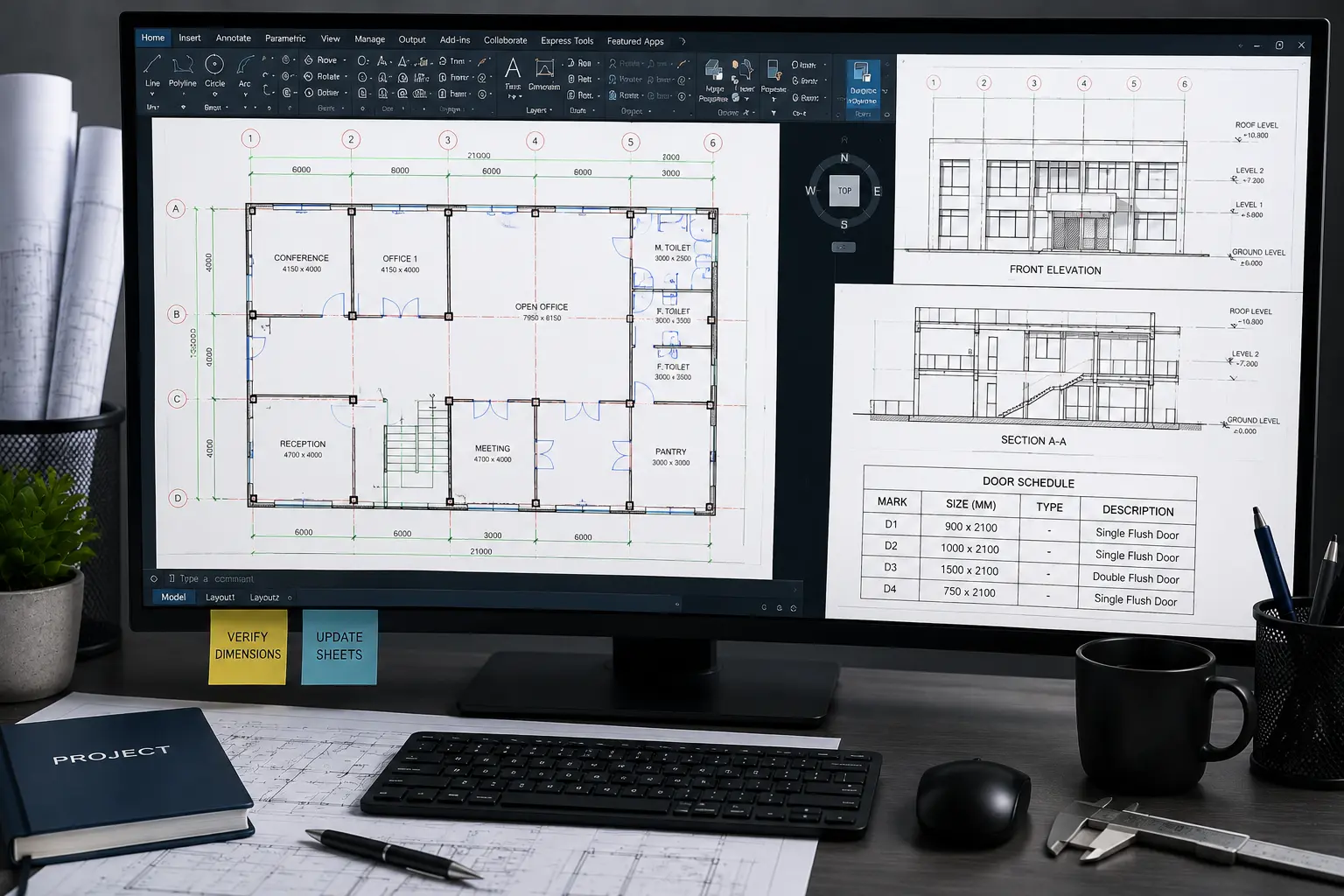
CAD Conversion Built Around Your Existing Drawing Information
Our CAD team works from the supplied source files and agreed project standards to develop organised, editable drawings for continued design and documentation workflows.
Tools Used Across CAD Conversion Workflows
The software workflow depends on the source file, required output format, project discipline and downstream use of the converted drawing.
Use Converted CAD Files Beyond Initial Digitization
Depending on the agreed scope, converted drawings can support later design and documentation work.
Need additional CAD conversion capacity?
Send your PDF, scan or legacy files with the required CAD format and drawing standards for review.
CAD Conversion Services FAQs
Answers to common questions about CAD Conversion Services, AutoCAD Conversion Services, PDF to CAD Services, source files, drawing scale, layers and final CAD deliverables.
What are CAD Conversion Services?
CAD Conversion Services transform PDFs, scanned drawings, images, paper plans and legacy files into editable CAD drawings for continued drafting, design and documentation workflows.
What are PDF to CAD Services?
PDF to CAD Services convert vector or scanned PDF drawings into editable CAD files, typically using DWG or DXF outputs with the agreed layers, dimensions, linework and annotations.
What do AutoCAD Conversion Services include?
AutoCAD Conversion Services can include rebuilding drawing geometry, organising layers, adding agreed dimensions and annotations, and preparing editable AutoCAD files for continued project use.
Can you convert scanned drawings or old blueprints into CAD?
Yes. Scanned plans, blueprints and paper drawings can be converted into digital CAD files where the source information is sufficiently clear to interpret and reproduce.
Can images such as JPG, PNG or TIFF be converted into CAD?
Yes. Raster drawing references can be recreated as editable CAD geometry when the source image provides readable linework, dimensions and drawing information.
Can you convert 2D drawings into 3D CAD models?
Yes. Where the available plans, sections, elevations and technical information define the required geometry, the project scope can include 2D to 3D CAD conversion.
How do you determine drawing scale during CAD conversion?
Drawing scale can be established from supplied scale information, known dimensions or other agreed project references. Where scale cannot be confirmed from the source, clarification should be provided before final conversion.
What can the final CAD conversion package include?
The agreed package can include DWG or DXF files, editable linework, layers, dimensions, annotations, blocks, hatches, plans, sections, elevations and other project-specific drawing information.
Have PDFs, Scans or Legacy Drawings Ready for CAD Conversion?
Send your source drawings, known dimensions, layer requirements and expected output format. Our team can review the information and discuss the appropriate CAD conversion scope.