
CAD Services for Accurate Construction Drawings and Documentation
Optimar Precon provides CAD Services for contractors, architects, engineers, developers, and subcontractors who need accurate 2D drawings, 3D CAD models, CAD conversions, shop drawings, fabrication drawings, and as-built documentation.
Our CAD drafting teams prepare editable, coordinated, and construction-ready drawings using AutoCAD, Revit, Civil 3D, Bluebeam, and project-specific drafting standards.
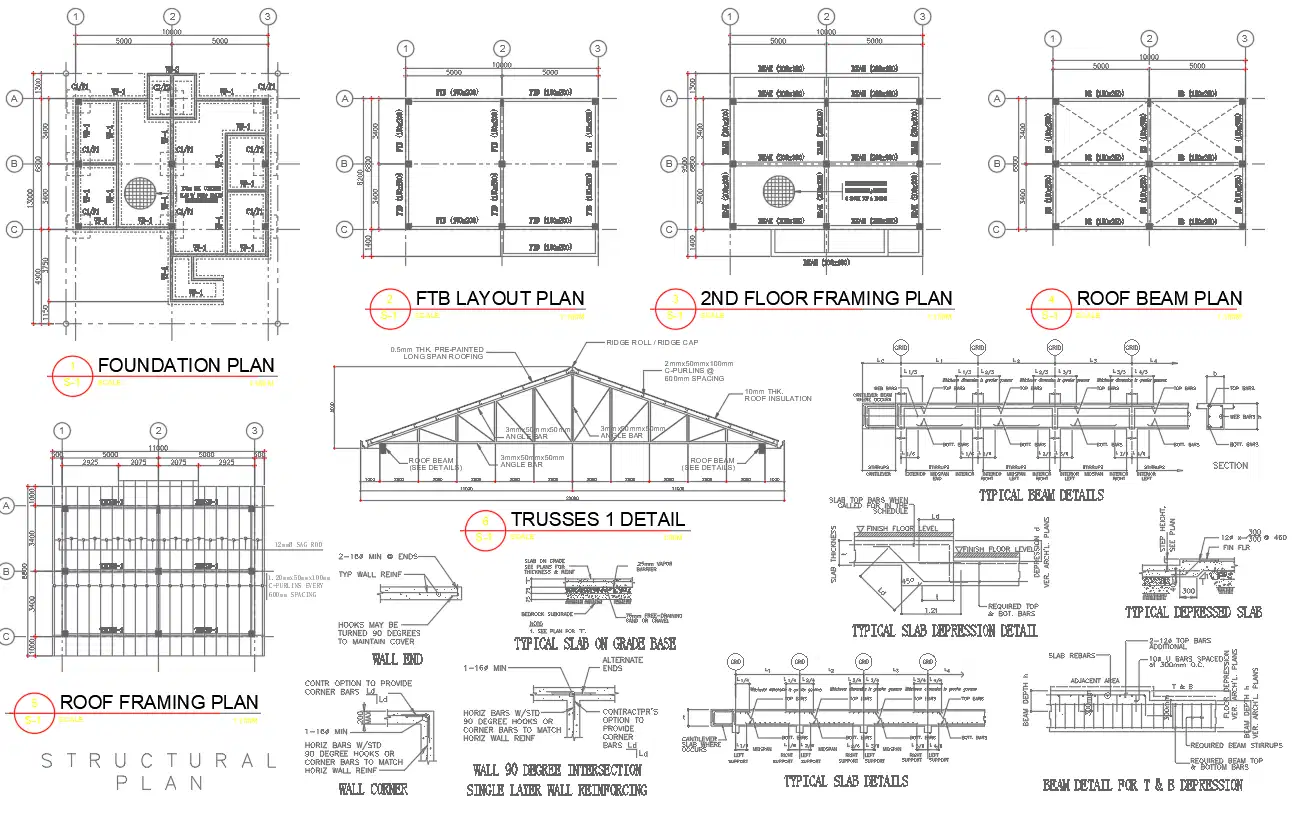
- Architectural, structural and MEP CAD
- DWG, DXF and PDF delivery
- Dedicated QA before issue
What Are CAD Services?
CAD Services involve creating, converting, revising, and managing digital construction drawings with computer-aided design software. These drawings help project teams document design intent, coordinate disciplines, support approvals, and prepare construction-ready information.
CAD services include 2D CAD drafting, 3D CAD modeling, CAD conversion, architectural CAD drawings, structural CAD drawings, MEP CAD drawings, shop drawings, fabrication drawings, redline updates, and as-built documentation.
In simple terms: CAD Services turn sketches, PDFs, markups, scans, and project information into accurate digital drawings that teams can review, edit, coordinate, issue, and use during construction.
Who uses professional CAD support?
- Contractors
- Architects
- Engineers
- Subcontractors
- Developers
- Facility Teams

One workflow across drawing creation and project updates
- 2D and 3D drawing creation
- PDF, scan and sketch conversion
- Construction documentation
- Redline and revision updates
- Shop and fabrication drawings
- As-built and record drawings
CAD Deliverables We Provide
Optimar Precon prepares CAD deliverables for design review, construction documentation, coordination, fabrication, installation, and handover. Each drawing follows the required project scope, file format, drafting standard, and review comments.
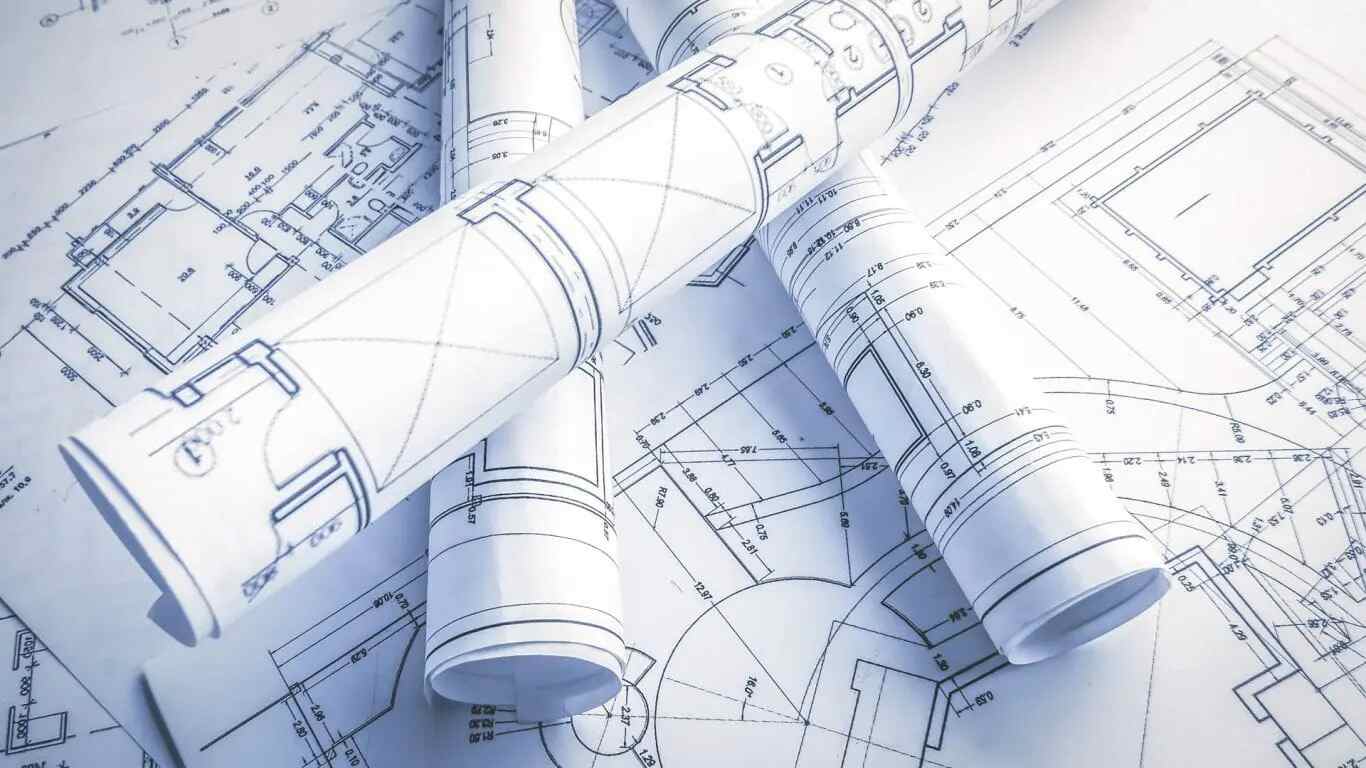
2D CAD Drawings
Accurate plans, elevations, sections, layouts, details, and construction drawings prepared as clean and editable CAD files.
Explore 2D CAD Drawing Services →
3D CAD Models
Detailed 3D CAD models that support design visualization, technical understanding, coordination review, and stakeholder presentations.
Explore 3D CAD Drawing Services →
CAD Conversion Files
PDF, scan, image, sketch, and legacy drawing conversion into accurate DWG, DXF, and editable CAD formats.
View CAD Conversion Services →
Construction Drawing Sets
Architectural, structural, and MEP drawing sets prepared for approvals, coordination, site use, and project documentation.
View Documentation Services →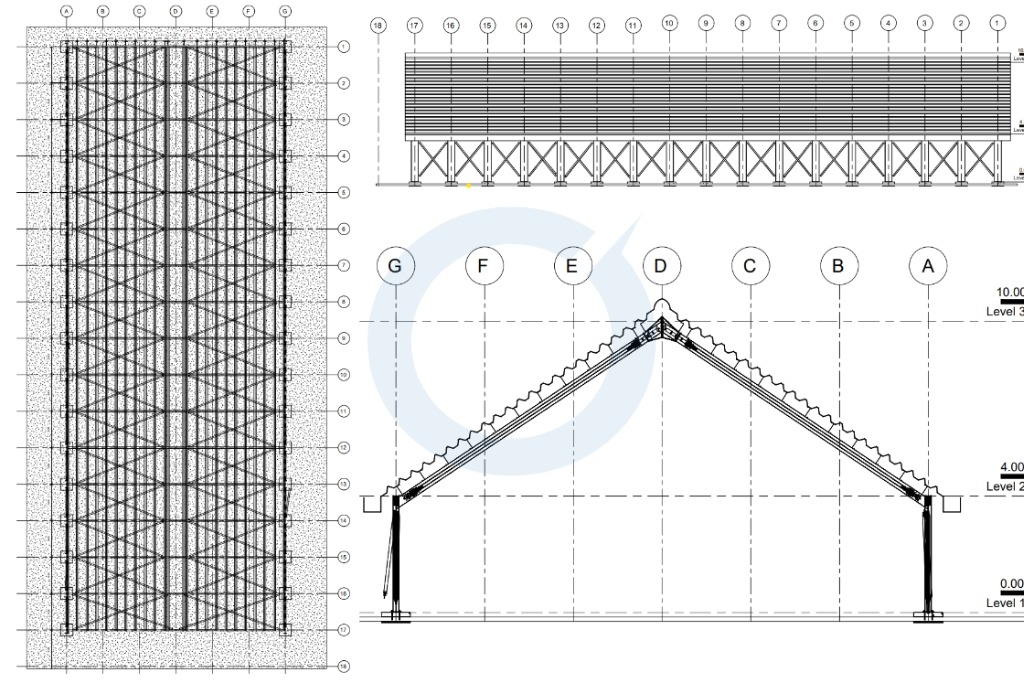
Shop and Fabrication Drawings
Component details, assembly drawings, material information, and installation-ready documentation for fabrication workflows.
View Shop Drawing Services →
As-Built CAD Drawings
Record drawings updated from site changes, field revisions, markups, and verified final construction conditions.
View As-Built Drawing Services →Need CAD deliverables for a live project?
Share your drawings, markups, required file formats, drafting standards, and delivery deadline. Our CAD team will review the scope and recommend the right production workflow.
CAD Services We Provide
Optimar Precon provides complete CAD support across drawing production, CAD conversion, discipline-specific drafting, construction documentation, shop drawings, fabrication drawings, and as-built updates.

Architectural CAD Drawing Services
Plans, elevations, sections, room layouts, wall details, schedules, and architectural construction documentation.
Explore Architectural CAD →
Structural CAD Drawing Services
Foundation layouts, framing plans, reinforcement details, steel drawings, sections, and structural connections.
Explore Structural CAD →
MEP CAD Drawing Services
Mechanical, electrical, plumbing, HVAC, fire protection, equipment, and coordinated service layout drawings.
Explore MEP CAD →Core CAD Production
Construction Support
Flexible CAD Assistance
Need CAD support across multiple drawing scopes?
Share your drawings, markups, required file formats, drafting standards, and delivery timeline. Our team will recommend the appropriate drafting, conversion, or documentation workflow.
How Our CAD Services Workflow Works
Our CAD workflow keeps drawing production structured from the first file review through drafting, quality checks, revisions, and final delivery. Every stage helps control drawing accuracy, file consistency, and project communication.
From source files to checked CAD drawings
The workflow covers input review, drafting setup, drawing production, coordination checks, revisions, and issue-ready files.
-
01
Project Scope Review
We review the drawing scope, specifications, drafting standards, required formats, review process, and delivery timeline.
-
02
Input File Check
Our team checks PDFs, DWG files, sketches, scans, redlines, reference drawings, and project notes before drafting begins.
-
03
CAD Drafting Setup
We establish layers, line weights, title blocks, scales, sheet layouts, symbols, naming rules, and file standards.
-
04
Drawing Production
CAD drafters prepare architectural, structural, MEP, conversion, shop, fabrication, or as-built drawings according to scope.
-
05
Coordination Review
We review dimensions, annotations, references, drawing consistency, discipline alignment, layouts, and sheet information.
-
06
QA and Drawing Checks
Scale, layers, text styles, linework, title blocks, xrefs, file compatibility, and drawing output are checked before issue.
-
07
Revision Updates
We incorporate review comments, redline markups, coordination notes, field changes, and approved client feedback.
-
08
Final CAD Delivery
Final DWG, DXF, PDF, model-linked references, and other required project files are organised and delivered.
Have files ready for CAD drafting?
Send your PDFs, sketches, DWG files, redlines, required standards, and delivery timeline. Our team will review the inputs and recommend the appropriate CAD workflow.
CAD Software, File Formats and Drafting Standards We Work With
Reliable CAD delivery depends on compatible software, organised layers, accurate scales, consistent title blocks, clear file naming, and issue-ready drawing formats. We follow client standards and project-specific drafting requirements before production begins.
AutoCAD
2D drafting, CAD conversion, drawing cleanup, revisions, construction documents, and DWG production.

Revit
Model-linked documentation, CAD references, CAD to BIM support, drawing extraction, and coordinated project information.

Bluebeam Revu
PDF markups, drawing reviews, revision tracking, coordination comments, and issue comparison.

SketchUp
Conceptual 3D references, design visualisation, spatial review, and support for CAD drawing development.
Civil 3D
Civil layouts, grading references, site plans, alignments, infrastructure drawings, and external works documentation.
Autodesk ReCap
Point cloud references, scan-based drawing preparation, dimensional review, and as-built CAD documentation.
Plant 3D
Plant layouts, piping documentation, equipment information, and specialist industrial CAD workflows.
Tekla and Advance Steel
Structural steel references, component detailing, shop drawings, and fabrication documentation.
From project inputs to issue-ready CAD outputs
We organise source information, prepare drawings under the required standards, complete drawing checks, and deliver files in the agreed project format.
Drawing checks before final delivery
Our team reviews scales, layers, annotations, dimensions, title blocks, references, file compatibility, and plotted output.
Project-specific standards: We can work with your existing CAD templates, layer conventions, title blocks, file naming rules, symbols, plotting requirements, and drawing issue procedures.

Drawing expertise backed by structured project delivery
Our CAD teams support drawing creation, conversion, revisions, coordination, fabrication, and construction documentation under one controlled workflow.
Why Contractors and Design Teams Choose Optimar Precon for CAD Services
Optimar Precon supports contractors, architects, engineers, developers, fabricators, and subcontractors with construction-focused CAD services, disciplined quality checks, and flexible offshore delivery.
Companies looking to outsource CAD drafting services or outsource CAD drawing services can use our team as an extension of their internal resources for drawing production, conversions, redline updates, shop drawings, fabrication drawings, and as-built documentation.

Disciplined CAD Quality
Drawings are reviewed for dimensions, annotations, layers, linework, scales, references, and final plotted output.

Construction Understanding
Our teams understand the documentation needs behind approvals, coordination, fabrication, installation, and handover.

Multi-Discipline Capability
Architectural, structural, MEP, shop, fabrication, conversion, and as-built requirements can be managed together.

Flexible Offshore Capacity
Add drafting capacity for peak workloads, urgent revisions, ongoing projects, or dedicated long-term CAD support.
What your project team gains
- Reduced internal drafting backlogs
- Cleaner and more consistent CAD files
- Faster redline and revision updates
- Improved drawing version control
- Support across multiple disciplines
- Scalable project-based resources
CAD Services for Commercial, Industrial and Infrastructure Projects
Our CAD drafting teams support projects where drawing accuracy, documentation clarity, file compatibility, and revision control directly affect coordination, approvals, fabrication, installation, and site execution.
 Multi-Sector CAD Delivery
CAD support adapted to each project environment
Drawing standards, level of detail, coordination requirements, file structures, and issue procedures are aligned with the technical needs of each sector.
-
01
Commercial and Workplace Projects
Architectural, structural, and MEP CAD drawings for offices, hospitality spaces, retail environments, commercial interiors, and large construction programmes.
-
02
Data Centers and Mission-Critical Facilities
CAD documentation for plant rooms, cooling systems, equipment layouts, electrical distribution, cable routing, fire protection, and high-density technical spaces.
-
03
Industrial and Manufacturing Facilities
Plant layouts, equipment drawings, structural steel details, piping references, fabrication information, process spaces, warehouses, and logistics facilities.
-
04
Healthcare and Laboratory Projects
Coordinated architectural and engineering documentation for hospitals, clinics, laboratories, medical spaces, technical rooms, and facility upgrades.
-
05
Infrastructure and Civil Works
CAD drawings for transport, utility, site development, grading, drainage, public works, external services, and infrastructure documentation.
-
06
Renovation, Retrofit and Existing Assets
PDF-to-CAD conversion, redline updates, scan-based drawings, as-built documentation, record drawings, and technical updates for existing facilities.
CAD Services for Global Construction Teams
Optimar Precon supports contractors, architects, engineers, developers, subcontractors, and facility teams across major construction markets. Our offshore delivery model helps companies outsource CAD drafting services and CAD drawing services without adding permanent internal headcount.
- Offshore CAD drafting support for active construction projects
- AutoCAD and Revit-linked workflows aligned with client standards
- Structured drawing reviews and revisions across time zones
- CAD deliverables for design, coordination, fabrication, and handover
- Flexible drafting capacity during peak project workloads
Helpful CAD Guides and Related Services
Explore practical CAD guides and connected services covering drafting, drawing conversion, documentation standards, outsourcing workflows, and digital construction coordination.
What Are CAD Services?
Learn what professional CAD services include, how CAD drawings support construction projects, and when contractors, architects, engineers, and subcontractors need external drafting support.
Read the Complete CAD Guide →-
01
CAD Trends
Future of CAD Services in 2026
Explore the technologies and delivery practices influencing construction drafting, documentation, and digital workflows.
-
02
CAD Outsourcing
How to Outsource CAD Drafting Correctly
Understand the inputs, standards, quality checks, revision processes, and communication needed for reliable outsourcing.
-
03
CAD Fundamentals
CAD Drawing vs CADD Drafting
Review the difference between CAD drawings and CADD drafting and how both support technical construction documentation.
-
04
Related Service
CAD Conversion Services
Convert PDFs, scans, sketches, images, and legacy drawings into clean, editable DWG and DXF files.
01 What CAD services does Optimar Precon provide?
Optimar Precon provides 2D CAD drawing services, 3D CAD drawing services, CAD conversion, architectural CAD drafting, structural CAD drawings, MEP CAD drawings, shop drawings, fabrication drawings, as-built drawings, redline updates, and construction documentation support.
02 What is the difference between CAD drafting and CAD drawing services?
CAD drafting usually refers to the technical process of creating accurate digital drawings from sketches, PDFs, markups, or design information. CAD drawing services are broader and can include drafting, conversion, detailing, drawing revisions, shop drawings, as-built drawings, and final project documentation.
03 Can you convert PDFs and old drawings into editable CAD files?
Yes. Optimar Precon converts PDFs, scanned drawings, hand sketches, images, legacy plans, and image-based documents into editable DWG or DXF files. The conversion can include organised layers, clean linework, dimensions, annotations, and title block formatting.
04 Which software and file formats do you use?
Our teams use AutoCAD, AutoCAD Architecture, AutoCAD MEP, Revit, Bluebeam Revu, Civil 3D, Autodesk ReCap, Plant 3D, Advance Steel, and Tekla where required. Deliverables can include DWG, DXF, PDF, linked references, and project-specific formats based on client standards.
05 Do you provide CAD drawings for contractors and subcontractors?
Yes. We support general contractors, trade contractors, subcontractors, fabricators, architects, engineers, and developers with CAD drawings for documentation, coordination, shop drawing approval, fabrication, installation, and handover.
06 Can companies outsource CAD drafting for live projects?
Yes. Companies can outsource CAD drafting services for live projects when they need additional drafting capacity, rapid redline updates, CAD conversion, shop drawing support, as-built documentation, or multi-discipline drawing support. A clear scope, file standard, review process, and revision workflow help keep outsourced CAD delivery reliable.
07 What files are needed to start a CAD drafting project?
We usually need PDFs, DWG files, sketches, redline markups, reference drawings, specifications, title blocks, layer standards, drawing scales, required output formats, and the project deadline. For as-built work, site markups and field revision notes are also useful.
08 How do CAD services support BIM and construction coordination?
CAD drawings provide accurate 2D references, layouts, details, discipline inputs, and documentation for model creation, CAD-to-BIM conversion, clash review, shop drawing coordination, and construction execution.
09 What are AutoCAD Drawing Services used for in construction?
AutoCAD Drawing Services are used to prepare construction drawings, working drawings, layout plans, elevations, sections, details, shop drawing references, as-built updates, and editable DWG files. These drawings help project teams review, coordinate, revise, and issue technical documentation.
What Project Teams Say About Our CAD Support
Feedback from project teams using Optimar Precon for CAD revisions, drawing conversion, shop drawings, as-built updates, and ongoing construction documentation support.
“Optimar Precon helped our team clear a backlog of CAD drawing updates during a tight project schedule. Their drafting team followed our markups carefully, maintained clean layers, and delivered revised drawings in the required format.”
We needed support converting PDF drawings into editable CAD files for a renovation project. The output was clean, organised, and easy for our internal team to review and revise further.
Their CAD team supported us with shop drawing and as-built updates across multiple drawing packages. Communication was structured, revisions were handled quickly, and the final files matched our project standards.
Need dependable CAD support for an active project?
Share your drawing backlog, conversion requirements, redline markups, project standards, and required delivery date using the form below.
Share Your CAD Drawings, Markups and Project Requirements
Tell us what drawings you need, the source files available, your required CAD standards, output formats, and delivery timeline. Our team will review the scope and recommend the appropriate drafting, conversion, documentation, or dedicated-resource workflow.